

Top 3 Lucid Trading vs TopStep Alternatives 2026
TradeDupe
10 min read
Compare 3 lucid trading vs topstep alternatives to enhance your trading strategies and choose the best proprietary trading platform for your needs.
Finding a trade copier that keeps multiple prop firm accounts synchronized without risking rogue trades or missing fast entries is difficult. Many platforms lock copying to one broker or lack automatic rogue trade closure, which exposes accounts to compliance issues and manual errors. This comparison covers trade copier speed, account control, and broker flexibility so you can pick a software that matches multi-prop firm workflows.
Table of Contents
TradeDupe
At a Glance
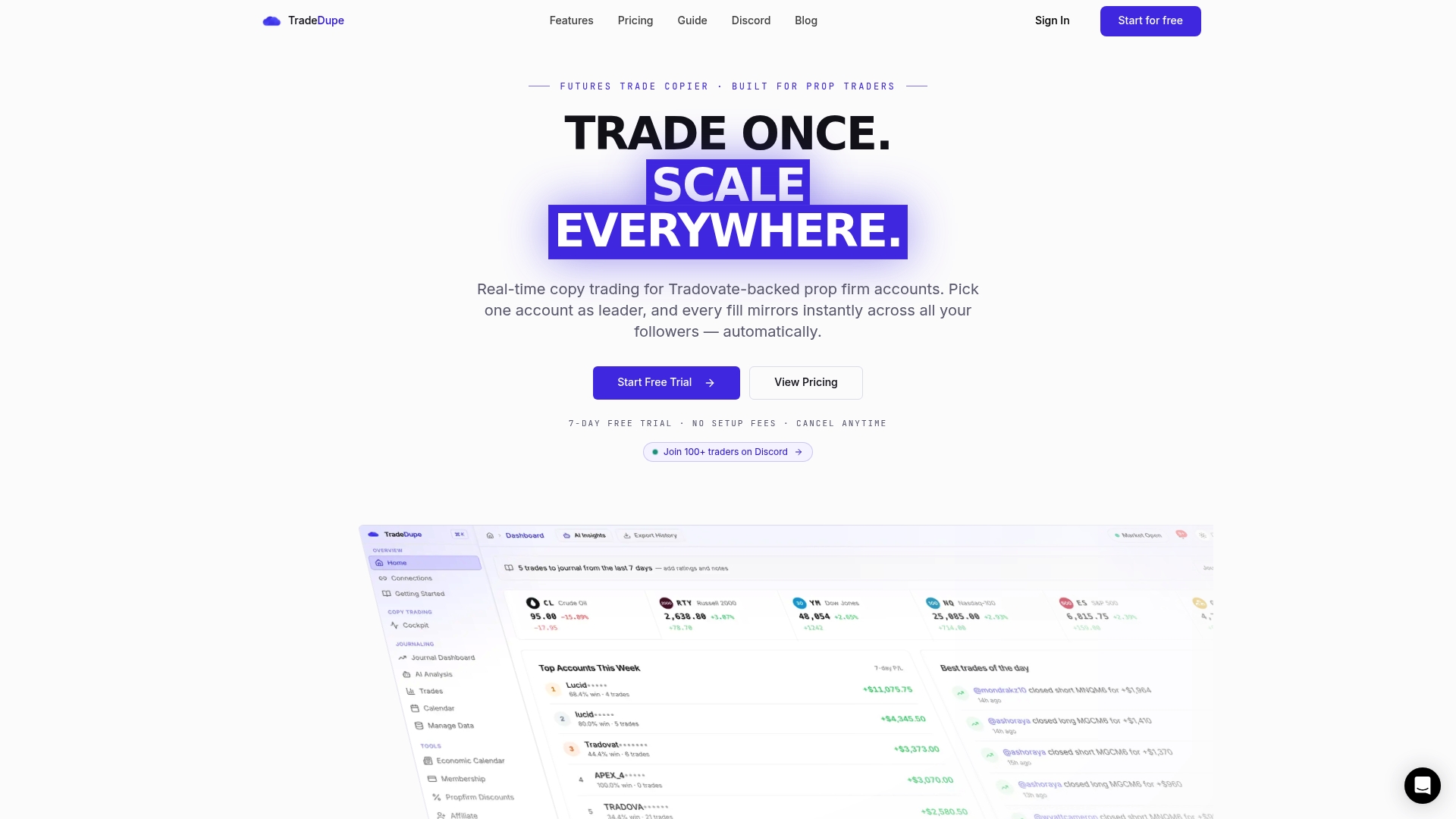
The vendor advertises a median 34ms end to end latency for trade replication. TradeDupe mirrors a single leader account to multiple followers using server side WebSocket connections. It adds automatic rogue trade closure and per account copy toggles for tighter control.
Core Features
TradeDupe runs a real time, millisecond copy engine that replicates orders from one leader to many follower accounts on Tradovate backed prop firm connections. The platform offers per account toggles, automatic detection and closure of rogue trades, and a cloud based service so you do not need a local machine open to operate. Dashboards show real time sync status, leader follower activity, and detailed analytics and reporting for performance review.
Key Differentiator
TradeDupe targets Tradovate backed prop accounts and couples server side mirroring with automatic rogue trade closure to protect follower accounts and preserve evaluation rules. That combination keeps follower positions aligned while reducing manual intervention and the operational risk of mismatched fills.
Pros
High speed replication helps limit slippage and keeps entries aligned across multiple funded and evaluation accounts, which matters when order timing decides profit or loss. Automatic rogue trade detection and auto closure reduces the compliance burden for teams trading under strict prop firm rules. Cloud operation removes the need for an always on local machine and supports continuous mirroring across many accounts. The platform records detailed performance and audit logs for trade review and dispute resolution, and it integrates with common prop workflows to scale multi account operations.
Cons
- No native integrations outside Tradovate, which restricts copying across other brokers and mixed broker setups.
Who It's For
Prop traders and small trading firms running multiple Tradovate backed evaluation and funded accounts will get the most value. Teams that must keep several accounts synchronized for evaluations or funded program rules benefit from per account controls and automated rogue trade handling. Casual traders with a single account will find many features unnecessary.
Unique Value Proposition
Server side WebSocket replication combined with per account copy controls and rogue trade auto closure reduces monitoring overhead while keeping funded evaluations aligned. Tiered subscription plans scale with account count, letting a single operator expand to many follower accounts without introducing manual copy steps. Built in analytics and recorded audit logs turn operational activity into reviewable performance data for coaching and compliance.
Real World Use Case
A prop trader connects evaluation accounts from Apex, Tradeify, and MyFundedFutures to TradeDupe, designates one account as the leader, and mirrors trades to the followers. When an accidental large order appears in the leader, automatic detection closes the rogue position in followers to protect funded rules. The trader uses audit logs post session to reconcile fills and refine entry timing.
Pricing
Pricing follows a tiered subscription model that scales with the number of connected accounts. Exact fees and plan tiers are not publicly listed, and costs can rise at very high account counts. Prospective customers should request a quote for their account scale and usage pattern.
Website: https://tradedupe.com
Traders Connect
At a Glance
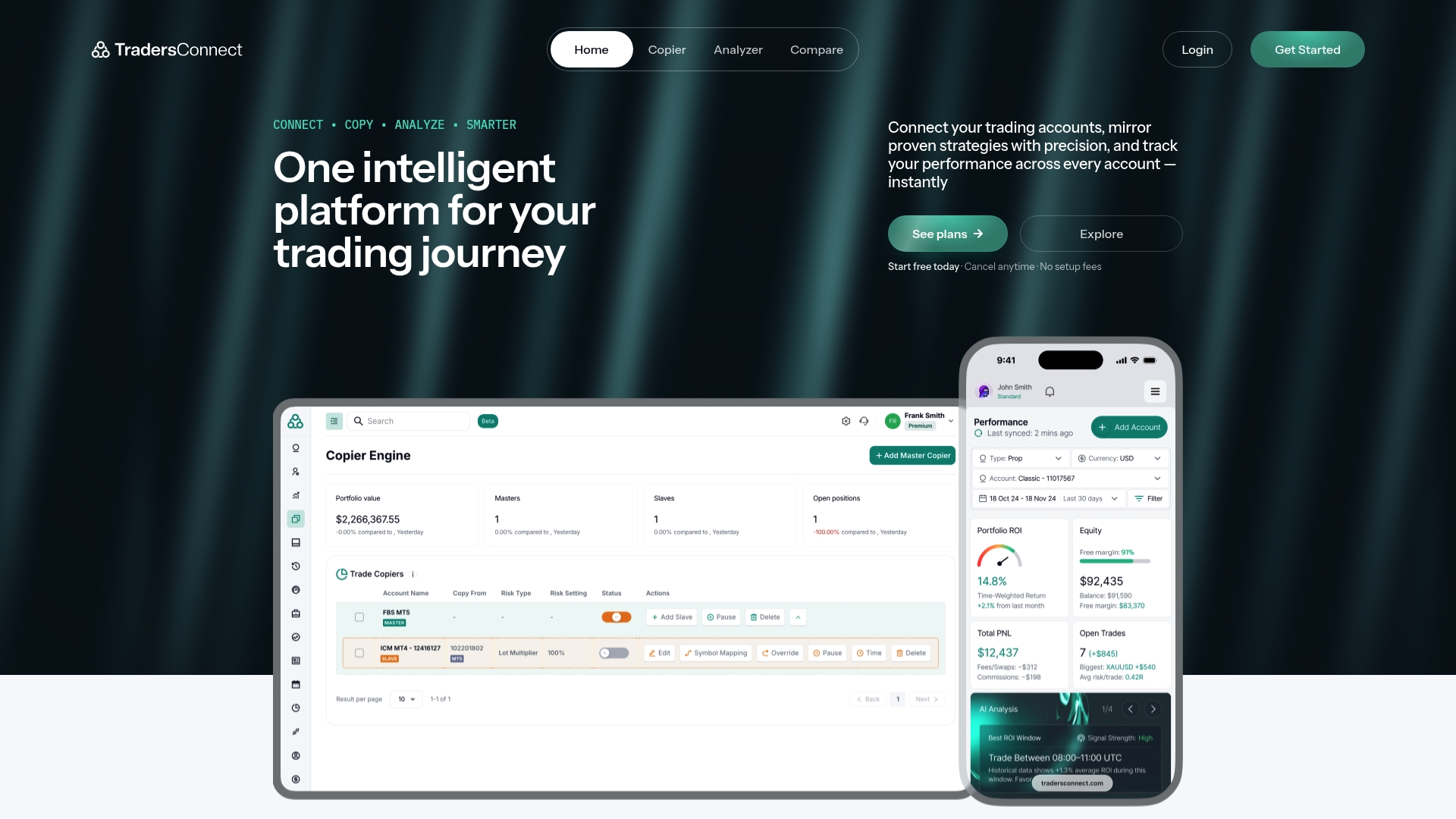
20–30ms average execution for trade copying across connected accounts. That level of latency helps reduce slippage when mirroring high frequency entries. The platform also bundles analytics and comparison tools for multi-asset trading across brokers.
Core Features
Traders Connect delivers trade copying with near-instant execution and portfolio analytics that track performance in real time. It combines market sentiment, an economic calendar, and news feeds with broker and prop firm comparison tools. The service includes equity protection and automated risk controls for copied trades and runs entirely in the cloud with no downloads.
Key Differentiator
The product pairs very low-latency copying with on‑platform analytics and broker comparison tools. That combination targets traders who need both fast replication and performance insight rather than only copy execution. Multi-platform support lets teams mirror strategies across retail and institutional broker accounts.
Pros
High-speed execution cuts latency-related slippage and helps maintain entry and exit fidelity when copying across accounts. The analytics suite and market data feeds give concrete metrics to evaluate strategy performance and adjust risk settings. Support for multiple platforms, including MT4, MT5, trader, and NinjaTrader, plus cloud delivery, removes local setup and VPS costs and lets teams scale quickly.
Cons
- Setup complexity can slow down traders who lack prior experience with algorithmic trading or copying configurations.
- The vendor does not list dedicated support channels, and some third-party reviews report slow responses.
- Pricing may feel expensive for casual traders or very small accounts.
When It May Not Fit
If you are new to trade automation, the configuration and risk tuning will require a learning curve and extra time. The platform relies on broker API stability, so connectivity problems at the broker level can disrupt copying. Very small accounts or hobby traders may find the feature set and cost misaligned with their needs.
Who It's For
Advanced retail traders, prop trading firms, and professional analysts who need low-latency copying and integrated performance metrics. Teams that operate multiple accounts across brokers and require centralized risk controls will find the platform suited to their workflow. Traders who want cloud deployment with no local software also match this profile.
Real World Use Case
A prop desk links primary leader accounts and mirrors top traders into dozens of follower accounts across forex, commodities, and indices. Automated equity protection prevents outsized drawdowns on follower accounts during volatile sessions. The desk uses the analytics to compare trader performance and reallocate capital to the best performing strategies.
Pricing
Plans start at $10/month for standard access, with optional add-ons and premium support available at higher cost. The vendor advertises flexible subscription upgrades and no setup fees. Exact pricing for enterprise or premium support is available from the vendor.
Website: https://tradersconnect.com
Tradovate Prop
At a Glance
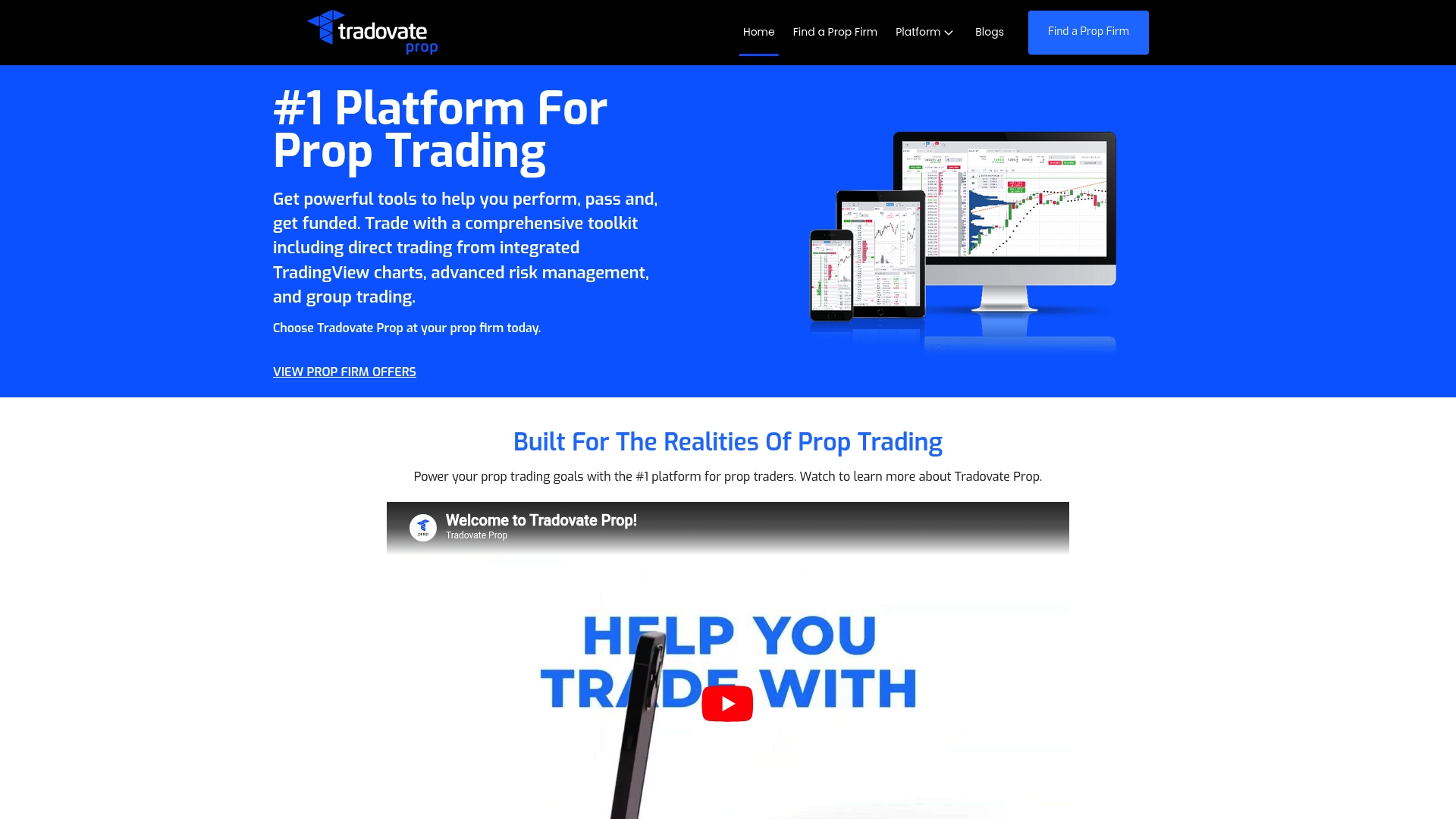
Trade across multiple prop firms on a single platform without reconfiguration. The platform integrates with TradingView and preserves custom layouts and indicators across devices. That setup speeds transitions from simulation to funded accounts for traders who maintain multiple firm relationships.
Core Features
Tradovate Prop connects TradingView charts and custom indicators with order entry and market replay while exposing advanced risk controls like daily loss caps and profit targets. It includes group trading and trade copying features plus deep layout and automation customization. These features work across web, desktop, and mobile so traders keep a consistent workflow when switching firms.
Key Differentiator
The standout capability is the ability to support multiple prop firms inside one configurable environment while keeping the same tools and layouts across devices. That consistency reduces setup time when moving between evaluation accounts and funded accounts. For traders who run accounts at several firms simultaneously, this single workflow matters in practice.
Pros
The platform offers a full TradingView integration that lets traders use custom indicators and the familiar charting environment alongside native order flow and market replay. It also provides strong risk controls aimed at prop evaluations and funded accounts, which helps teams enforce firm rules during live sessions. The platform lists high uptime and fast execution tailored for prop trading and pairs that with educational resources and dedicated support channels for traders.
Cons
- Limited pricing transparency: the vendor lists pricing as informational only and specific costs are not publicly listed. Verify fees before committing.
- Steep learning curve: advanced customization and automation require time to master for newer traders.
- Compatibility caveat: buyer should confirm individual prop firm rules and approval processes before relying on multi firm workflows.
When It May Not Fit
This platform may not fit traders who want a plug and play experience with minimal setup. New traders who prefer simple interfaces will likely find the customization options overwhelming. Firms that require proprietary execution paths or that do not permit third party linkages will restrict the multi firm benefits.
Who It's For
Prop traders and trading firms that manage multiple evaluation and funded accounts will benefit most. The ideal user configures TradingView indicators, enforces risk controls, and wants the same interface across desktop and mobile. Trading educators who need simulation plus real account handoff will also find the workflow useful.
Real World Use Case
A futures trader connects accounts at several prop firms, loads a single TradingView setup with custom order flow indicators, and runs practice sessions in simulation. The trader toggles into each firm account without rebuilding layouts and then uses group trade copying to scale a validated strategy across evaluation accounts. That flow shortens the time lost to reconfiguration.
Pricing
Pricing is listed as not applicable and serves informational purposes only. Specific subscription tiers or per firm fees are not publicly listed. Prospective buyers must request pricing or quotes from Tradovate Prop or their prop firm contact.
Website: https://prop.tradovate.com
Comparison of Trade Copier Software
Choosing the best trade copier software largely depends on its latency, supported features, and configuration capabilities.
| Product | Latency | Key Feature | Pricing | Limitation |
|---|---|---|---|---|
| Tradedupe | 34ms average | Automatic rogue trade detection | Not disclosed | Limited to Tradovate-backed accounts |
| Traders Connect | 20–30ms range | Low latency plus analytics and controls | Starts at $10/month | Complex setup for beginners |
| Tradovate Prop | High uptime | Multi-prop firm integration and layouts | Not disclosed | Pricing transparency not provided |
Enhance Your Multi-Account Trading with TradeDupe
For traders evaluating options in the lucid trading vs TopStep debate, account synchronization and protective risk controls remain top concerns. TradeDupe delivers real-time trade mirroring with an average latency of 34ms, keeping leader and follower accounts tightly aligned across multiple Tradovate-backed prop firm evaluations. Its automatic rogue trade detection and per-account copy toggles safeguard funded rules and reduce manual oversight.
Key benefits include:
- Millisecond trade replication minimizing slippage across accounts
- Cloud-based operation without the need for constant local software
- Comprehensive analytics and audit logs for performance review and dispute resolution
Explore how TradeDupe supports scalable and secure multi-account management tailored for your prop trading needs at TradeDupe. Elevate your copy trading control with our platform’s advanced monitoring and risk management tools today.
FAQ
How does Tradedupe perform with automatic trade closure for rogue trades?
Tradedupe automatically detects and closes rogue trades, enhancing account safety. This feature minimizes risks associated with accidental large orders while running multiple accounts. Users can expect tighter control over their trading strategies as the platform maintains compliance with evaluation rules.
What is the difference between Traders Connect and Tradedupe?
Traders Connect offers low-latency trade copying combined with in-depth performance analytics. This makes it suitable for traders seeking both fast execution and detailed insights. In contrast, Tradedupe focuses specifically on TradeDuplication with rogue trade closure, making it ideal for traders managing multiple funded and evaluation accounts under strict prop firm rules.
Which platform provides the highest speed for trade replication?
Tradedupe boasts a median latency of 34ms for its trade replication process. This high speed helps limit slippage, ensuring that entries remain aligned across funded and evaluation accounts. Traders can expect precise execution with minimized delays, which is crucial in fast-moving markets.
Can I use Tradedupe for accounts not linked to Tradovate?
Tradedupe is designed specifically for Tradovate-backed accounts, limiting its flexibility for other brokers. Users looking for trade copier solutions across multiple brokers may need to consider other platforms that offer broader compatibility. Exploring alternative options can be beneficial if you're not exclusively using Tradovate.
What features does Tradedupe include to support performance review?
Tradedupe provides detailed analytics and reporting features that allow for thorough performance evaluation. These tools help traders analyze their strategies over time, ensuring continuous improvement. Users can rely on these insights to refine their trading tactics effectively.