
Apex Consistency Rule: 50% Cap and Legacy 30% (2026)
TradeDupe
12 min read
Apex's consistency rule explained: the 50% cap on new Performance Accounts, the legacy 30% rule, the math, worked examples and what to do when you're over.
The Apex consistency rule says no single trading day can make up too large a share of your profit when you request a payout. On Performance Accounts (PAs) sold from March 1, 2026, that cap is 50%. Legacy PAs bought earlier still use the older 30% cap. Evaluations have no consistency rule at all. The rest of this guide shows which version applies to you, how to calculate your number, and how to plan your trading days around it. Rules were last checked against Apex's Help Center in November 2026, and Apex can change them, so confirm anything that affects a payout with Apex before you request it.
TL;DR
- Current PAs use a 50% rule: your best day must be below 50% of your total profit since your last approved payout (or since the account started, if you have not been paid yet).
- Legacy PAs use 30%: accounts bought before March 1, 2026 stay on the older rule until the sixth payout or a move to a Live account.
- The formula is simple: highest profit day divided by total profit. Keep the result under the cap.
- Failing the check does not fail the account: the payout option stays locked until the ratio drops, and you can keep trading.
- It resets after every approved payout, so a big day from an earlier cycle does not follow you.
Table of Contents
- Which Apex consistency rule applies to you
- How the consistency percentage is calculated
- What happens if you are over the limit
- When the rule is checked and when it resets
- The other payout conditions that sit next to consistency
- Practical ways to stay under the cap
- Running several Apex accounts and the consistency rule
- Common mistakes
- Perspective
- Copying one leader account to several Apex accounts
- FAQ
- Sources
Which Apex consistency rule applies to you
There are three situations, and mixing them up is the most common reason traders quote the wrong number.
| Account type | Consistency rule | Cap |
|---|---|---|
| Evaluation (Intraday Trail or EOD Trail) | None | n/a |
| Performance Account bought on or after March 1, 2026 | Yes | 50% |
| Legacy PA bought before March 1, 2026 | Yes, until the sixth payout or a Live account transfer | 30% |
Evaluations. Apex's rule applies in the funded phase. A trader can pass an evaluation with one day making up all of the evaluation profit and face no consistency consequence until the PA phase, according to Trader Payout's explainer. That is why traders who pass with one huge day sometimes get a surprise on their first payout request. If you want to see how your evaluation results actually break down by day and by setup, a trader performance analysis that goes beyond win rate is a useful habit before you move to a funded account.
Current PAs. Apex's own Help Center describes the 50% Consistency Requirement: no single trading day may account for more than 50% of your total accumulated profit at the time of a payout request. A professional verification of the change confirms it took effect March 1, 2026 and applies to PA payouts for products sold from that date forward.
Legacy PAs. Apex's Help Center for legacy accounts says the 30% rule stays in effect until the sixth payout or until the account is transferred to a Live Prop Trading Account. Accounts purchased before the March 2026 date remain on the 30% rule.
If you see a guide that says Apex is simply "30%" with no qualifier, it is describing the old structure. One industry audit found a flat 30% figure for Apex had been published in many places on one site for months before the error was traced: the correct answer depends on the phase and the purchase date. Check which version your own account is under in your Apex dashboard or ask Apex support.
How the consistency percentage is calculated
The current formula, as stated in Apex's Help Center, is:
Highest Profit Day ÷ Total Profit = Consistency Percentage
The result must be below 50%. Two details matter:
- Total profit means profit earned since your last approved payout, or since the account began if you have never been paid.
- Highest profit day is the single best day inside that same window.
Worked example on a $50K PA
Apex's example: if your highest profit day is $1,500, your net profit must be at least $3,000, because $1,500 ÷ 0.5 = $3,000.
Here is a longer case with five days in a new cycle:
| Day | Profit |
|---|---|
| 1 | $400 |
| 2 | $1,500 |
| 3 | $300 |
| 4 | $250 |
| 5 | $150 |
| Total | $2,600 |
Your best day is $1,500, so the ratio is 1,500 ÷ 2,600 = 57.7%. You are over the cap. To pass, total profit needs to reach $3,000, so you need another $400 of net profit, as long as no new day beats $1,500. If a later day makes $2,000, the target moves: $2,000 ÷ 0.5 = $4,000.
That last point catches people. Making a bigger green day raises the bar for the entire cycle, so the fix for a lopsided cycle is more normal days, not one more big one.
The same example under the legacy 30% rule
The legacy formula is Highest Profit Day ÷ 0.3 = minimum total profit. On a $50K account with a $1,500 best day, Apex's legacy page shows total profit must be at least $5,000. Same best day, $2,000 more profit required. This is why a trader on a legacy account feels the rule far more than one on a current account.

What happens if you are over the limit
Nothing dramatic. According to Apex's Help Center, if you are above the threshold the account does not fail. The payout request option is simply unavailable until your percentage falls below 50%, and you can keep trading with no time limit.
So the practical response is:
- Calculate your ratio before you hit request.
- If you are over, work out the profit needed: highest day ÷ 0.5, minus your current total.
- Trade your normal size and setups until you are there. Do not scale up to "catch up," because a larger day lifts the target again and raises your risk of breaching drawdown.
A fair criticism of the rule is that it catches disciplined traders too. As the Trader Payout write-up points out, a trader with a consistent strategy can still be held back by one unusually strong day early in a cycle, because the rule cannot tell habit from a rare exceptional session. The remedy is to check the ratio as the cycle develops, not only on payout day.
When the rule is checked and when it resets
The check happens when you submit a payout request. It uses profits earned since the last approved payout. Per Apex's Help Center, the calculation resets after each approved payout, and a large day from an earlier cycle does not carry over.
This gives you a clean planning rhythm: each cycle starts at zero. The first cycle after a new PA is the most exposed to one big day, because the total is small. A $1,200 day on day two of a cycle with $500 of other profit is 70% of the total. Several ordinary days dilute it.
The other payout conditions that sit next to consistency
Consistency is only one gate. For current PAs, Trader Payout's rundown of Apex payout conditions lists these requirements:
- At least 5 qualifying trading days.
- Your balance above the Safety Net (drawdown plus $100), maintained for the life of the account.
- 50% consistency compliance.
- A minimum withdrawal of $500.
- A limit of 6 payouts per PA.
A qualifying day needs a minimum profit that depends on size and type. On a $50K PA that is $250 for EOD and $200 for Intraday; on $100K it is $300 EOD and $250 Intraday; on $25K it is $100. Those thresholds can change, so verify them in Apex's Help Center before planning around them.
Notice how these interact. If your five qualifying days are $250, $250, $250, $250 and $1,500, you meet the day-count rule, but your best day is 1,500 ÷ 2,500 = 60%. You pass one gate and fail another. The most reliable way to satisfy both is a steady run of days that each clear the minimum with similar sizes.
Practical ways to stay under the cap
Set a daily profit ceiling for yourself. If you want to withdraw after a cycle of about $4,000 in profit, your best day needs to stay under $2,000. Many traders pick a soft stop well below that and walk away once they reach it.
Do not hold winners just to hit a big number. A runner that adds $1,000 to a day also adds $1,000 to your highest-day figure. Take profit at your plan's level, not because you want to finish the cycle in one session.
Track the ratio daily. A spreadsheet works: running total, best day, and best day ÷ total. Review it each evening. Your trade journal should show the same figures.
Reset your expectations after a payout. Because the window restarts, your first few days after a withdrawal are where one outsized day does the most damage to the next ratio.
Know your rule version. Do not use a 30% calculator if you are on a current account, and do not trust a 50% calculator if you are on legacy. The gap between them is large: on a $1,500 best day, $3,000 versus $5,000 of required profit.

What about the 40% rule you keep seeing?
That figure belongs to a different firm. Apex's current PAs use 50%, while a comparison of the two firms notes that another firm's funded payout eligibility uses 40% after 3 qualifying days. That firm does not run on Tradovate, so it is not part of the multi-account setups discussed here. Always work from the rule for the firm and account in front of you.
Running several Apex accounts and the consistency rule
If you trade more than one PA, each account has its own cycle, its own best day and its own ratio. When the same trades are placed on every account, the percentages tend to look alike, but they will not be identical when accounts differ in size, contract count or payout history. A $50K account that was paid last week and a $100K account that has not been paid at all are in different windows.
That has real consequences for how you manage things:
- Check every account separately before requesting. Do not assume the ratio on one applies to the others.
- Stagger payouts if it helps. An account that just reset is most exposed to a large day.
- Keep mistakes from multiplying. One wrong order duplicated across accounts can produce an outsized day, or an outsized loss, everywhere at once.
- Confirm what Apex allows. Apex's rules on trading multiple accounts can change. Read the relevant pages in Apex's Help Center and confirm with Apex support before you rely on any setup. For an overview of how this works across firms, see which futures prop firms allow copy trading.
For a deeper walk through the math, our own Apex consistency rule page covers the legacy 30% calculation, and the Apex prop firm guide covers account rules and multiple accounts.
Common mistakes
- Quoting the wrong percentage. The 30% figure is legacy. The 50% figure is current for accounts sold from March 1, 2026.
- Assuming evaluations have the rule. They do not. The rule begins in the PA phase.
- Judging the ratio on payout day only. By then you cannot change the past. Track it during the cycle.
- Chasing the target with size. A larger day raises the required total and your drawdown risk.
- Forgetting the other gates. Qualifying days, the Safety Net and the $500 minimum all apply alongside consistency.
- Copying a figure from an old article. Rules change, and the PA structure was restructured in 2026. Use the dated Help Center pages as your reference.
Perspective
> Most traders think of the consistency rule as a trading problem. In practice it is an account management problem, and it multiplies when you hold several accounts. > > When you run five or ten Apex accounts by hand, you are not only watching ratios. You are clicking the same order on every account, and one slip, a missed account or a wrong quantity, creates the lopsided day that wrecks a payout window. We built TradeDupe for Tradovate prop traders for exactly that reason: you choose a leader account, and every fill on it is mirrored to the follower accounts you have enabled, so your accounts get the same trades rather than hand-entered approximations of them. > > Per-account copy toggles matter here. An account that has just been paid out, or one sitting close to its ratio limit, can be switched off without touching the rest. Rogue-trade detection flags follower trades the copier did not place, and daily loss limits and profit targets are set directly on Tradovate so the broker enforces them. > > Our view: the traders who get paid consistently are the ones who make their accounts behave predictably, and that begins with removing manual duplication. > > Andres
Copying one leader account to several Apex accounts
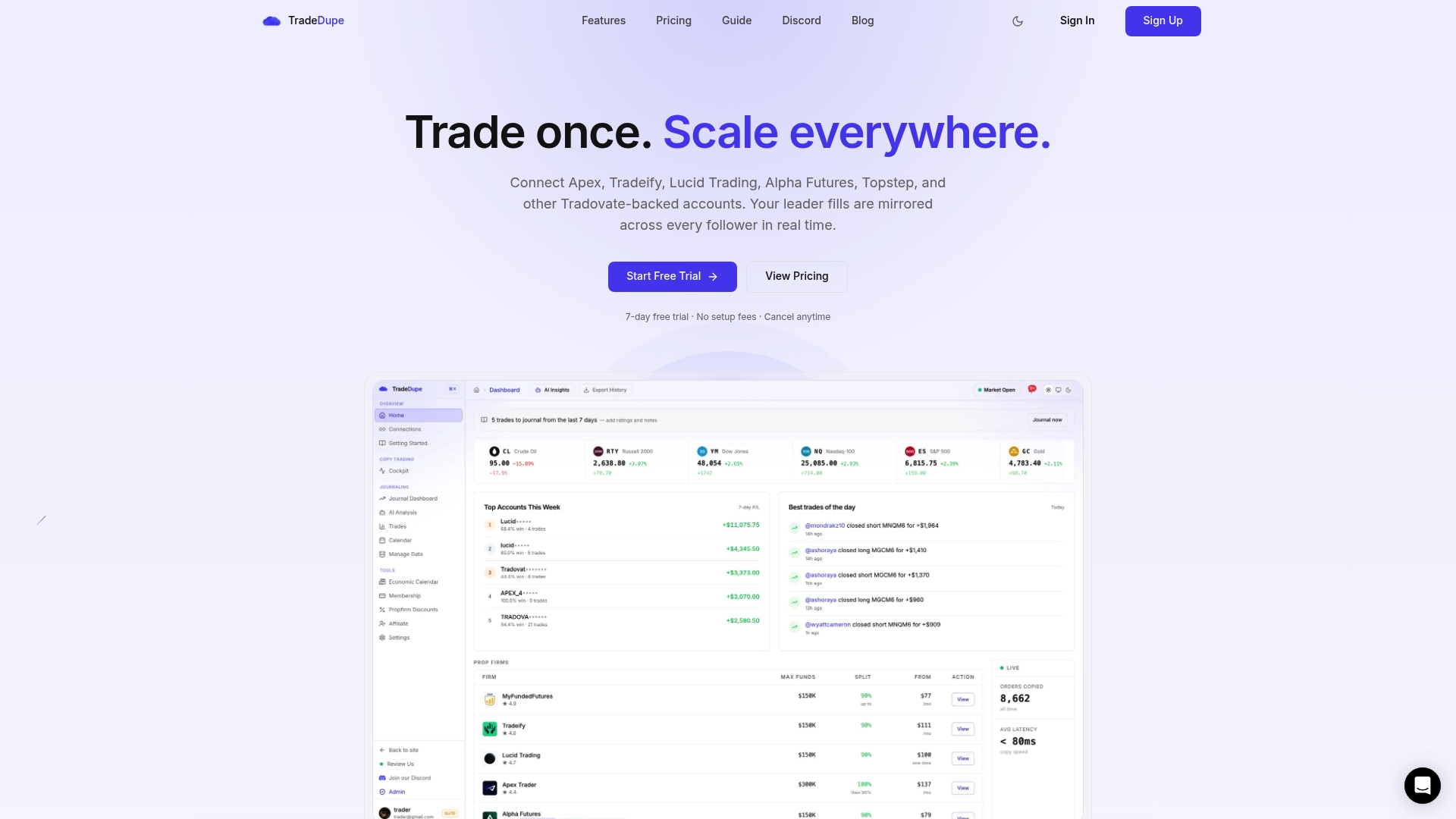
If you hold multiple Tradovate-based prop accounts, you can mirror one account to many with TradeDupe. You connect through Tradovate's official OAuth flow, so your passwords are never stored. Plans start at $20/month billed yearly, and every plan includes a 7-day free trial with one-click cancellation. Check Apex's current rules in its Help Center before you copy between accounts.
FAQ
Does Apex have a 50% consistency rule?
Yes, for Performance Accounts sold from March 1, 2026. No single day may account for 50% or more of your profit since your last approved payout. Evaluations have no consistency rule, and legacy accounts still use 30%.
What is the 30% consistency rule at Apex?
It is the legacy version of the same check. Your best day cannot be more than 30% of total profit when you request a payout. It applies to legacy PAs until the sixth payout or a transfer to a Live account.
What if my best day is over the limit?
Your account is not failed. The payout request option stays unavailable until your percentage drops below the cap, and you can keep trading. Divide your best day by 0.5 (or 0.3 on legacy) to see the total profit you need.
Does the consistency calculation reset after a payout?
Yes. After each approved payout, eligibility is based only on profit earned since that payout. A large day from an earlier cycle does not count against you.
Sources
- Apex Help Center: 50% Consistency Requirement
- Apex Help Center: Consistency rules for Legacy PA and funded accounts
- Apex Help Center: Legacy 30% consistency rule
- PYE Markets: Apex moves new accounts to a 50% consistency rule
- Trader Payout: Apex 50% Consistency Rule Explained
- Trader Payout: Apex Payout Rules
- TradersForge: Prop Firm Consistency Rules by Firm and Phase
- Trading Funder: firm comparison
Recommended
For educational purposes only. Not financial advice. Futures trading involves substantial risk of loss and is not suitable for every investor.