
How Copy Trading Dashboards Work for Multi-Account Traders
TradeDupe
11 min read
Discover how copy trading dashboards work to enhance your multi-account trading strategies. Unlock potential profits with the right setup!
Most traders assume copy trading is straightforward: one account trades, others follow. That framing misses about 80% of what actually happens under the hood. Understanding how copy trading dashboards work reveals a sophisticated layer of synchronization logic, position sizing engines, and risk controls that determine whether your follower accounts perform in line with the leader or diverge in ways that cost you real money. For prop traders managing multiple funded accounts, the difference between a well-configured dashboard and a poorly understood one can mean the difference between passing evaluations and hitting drawdown limits unexpectedly.
Table of Contents
- Key Takeaways
- How copy trading dashboards work at the core level
- Position sizing strategies across follower accounts
- Risk management controls built into dashboards
- Synchronization challenges in multi-account setups
- Integrating multiple signal sources for advanced workflows
- My take on using copy trading dashboards effectively
- How TradeDupe puts these dashboard features into practice
- FAQ
Key Takeaways
| Point | Details |
|---|---|
| Execution mode shapes replication quality | Choosing between Executions Mode and Orders Mode determines how tightly follower trades mirror the leader's order lifecycle. |
| Position sizing prevents risk drift | Using proportional or PositionSize modes keeps follower exposure calibrated to account size, not just trade quantity. |
| Dashboards are risk management tools | Follower-level guardrails like pause controls and allocation caps actively protect accounts from volatility and execution leakage. |
| Multi-account fairness requires deliberate design | Queue randomization and per-account ATM strategies prevent systemic fill differences across large follower pools. |
| Signal integration extends dashboard utility | Connecting TradingView webhooks or Telegram signals alongside leaderboard feeds multiplies the dashboard's strategic value. |
How copy trading dashboards work at the core level
The mechanical foundation of any copy trading dashboard starts with account linkage. Copy trading dashboards link follower accounts to a leader and mirror trade actions in real time using allocation rules you define. That sounds simple. The complexity begins the moment you ask: which trade event triggers replication?
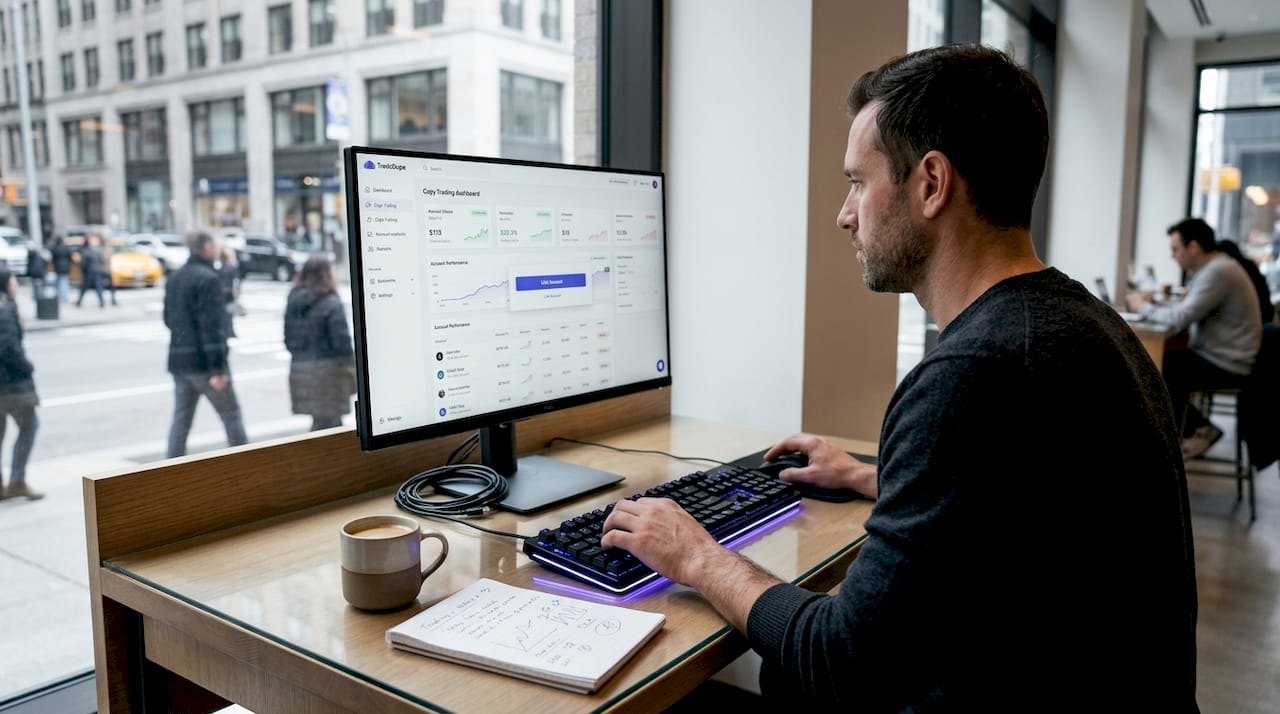
There are two primary synchronization modes, and understanding the distinction is non-negotiable for anyone serious about multi-account execution quality.
Executions Mode copies trades after fills confirm on the leader account. The dashboard waits for the order to be filled, then submits a corresponding order to each follower. This approach is stable and predictable. The tradeoff is a slight delay, since the fill confirmation must propagate before follower orders fire.
Orders Mode replicates the live order lifecycle itself. When the leader places a limit order, follower accounts receive a matching limit order at the same moment. When the leader modifies or cancels, those events cascade downstream. Orders Mode acts as an order lifecycle orchestrator, creating individualized stop and target controls per follower account. This enables nuanced risk management that Executions Mode cannot replicate.
- Order resubmission: When a follower order is rejected (due to margin constraints or platform errors), the dashboard can automatically resubmit it, maintaining synchronization without manual intervention.
- Working orders view: A consolidated display shows all live and pending orders across every follower account simultaneously, giving you a real-time picture of execution state.
- Trade lifecycle events: Each fill, partial fill, cancel, and modification on the leader account generates a corresponding downstream event, and how the dashboard handles each event determines replication fidelity.
Pro Tip: If you are trading futures through prop firm accounts with strict drawdown rules, Orders Mode gives you tighter stop placement control per follower. Executions Mode is better suited for simpler setups where fill confirmation stability matters more than lifecycle precision.
Position sizing strategies across follower accounts
Position sizing is where most multi-account copy trading setups either succeed or quietly accumulate risk without anyone noticing. A leader trading 3 contracts on a $50,000 account should not automatically place 3 contracts on a follower account with $10,000. That is a 3x risk concentration problem, and dashboards exist to prevent it.
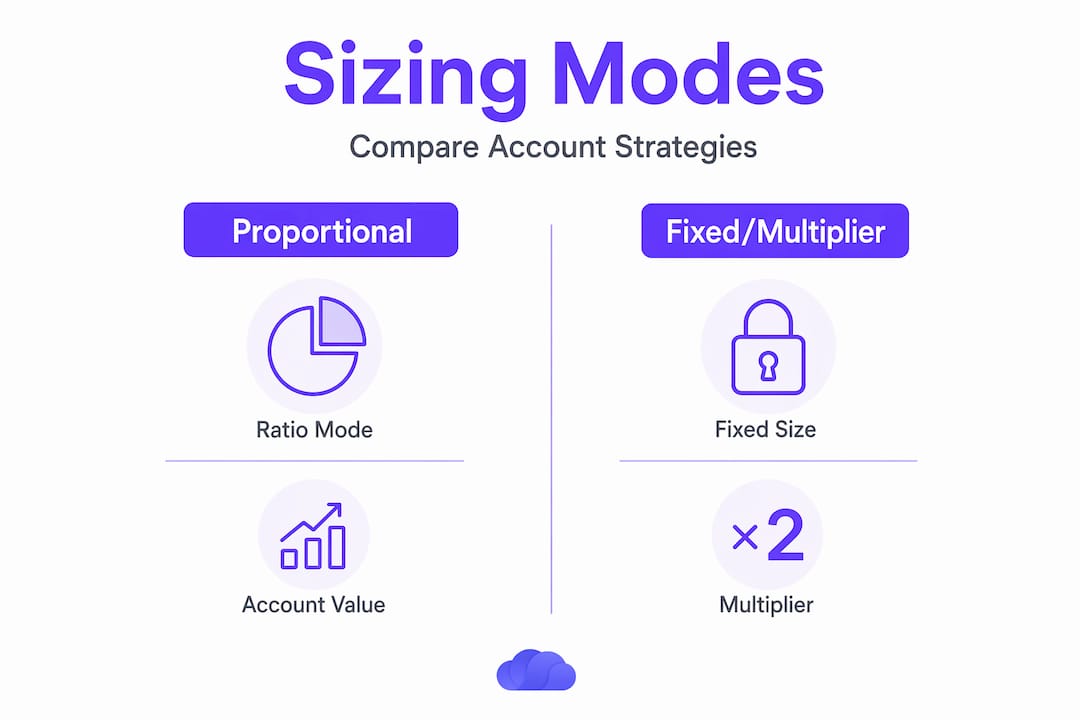
Position sizing modes include proportional, fixed, multiplier-based options, each adjusting trade quantities per follower account to match their specific size and risk profile. Here is how the primary modes compare:
| Sizing Mode | How it works | Best use case |
|---|---|---|
| Ratio | Scales follower quantity proportionally to account equity ratio | Uniform risk exposure across accounts of different sizes |
| Fixed | Applies a set contract quantity regardless of account size | Consistent quantity for accounts with identical sizing rules |
| Account Value | Calculates quantity based on follower's total account value | Adapts automatically as account equity grows or shrinks |
| Notional Value | Matches dollar exposure rather than contract count | Cross-instrument or cross-margin copying |
| PositionSize | Uses the follower's current open position as the base and scales with a multiplier | Nuanced relative sizing for followers already holding positions |
The PositionSize mode deserves particular attention. PositionSize mode uses the follower's current position as a base, scaling with a multiplier to avoid risk drift and maintain relative exposure. For a prop trader running multiple Apex or Tradeify accounts with different evaluation stages, this mode keeps each account's risk proportional to its actual state rather than applying a blanket quantity.
The danger in any sizing setup is invisible drift. If you set a 2x multiplier and forget to audit it after account equity changes, your follower exposure compounds silently. Dashboards that surface sizing calculations in real time, rather than burying them in settings menus, are the ones that actually protect you.
Pro Tip: Audit your position sizing mode every time you fund or draw from a follower account. Account Value mode recalibrates automatically, but Ratio and Fixed modes require manual review after equity changes.
Risk management controls built into dashboards
Copy trading does not eliminate market risk. It redistributes it across accounts while adding a new category of risk: execution leakage, meaning the gap between what the leader intended and what the follower received. Dashboards that present execution and performance analytics, including maximum drawdown, win rate, and consistency metrics, give you the tools to evaluate whether your copying setup is actually tracking the leader's intent.
Follower-level risk guardrails enable pausing copying, setting allocation limits, and closing trades to manage both market and platform risks. The practical controls you should expect from any production-grade dashboard include:
- Pause and resume per account: Toggle copying on or off for individual followers without affecting the leader or other followers. This is critical when one account hits a prop firm daily loss limit while others continue normally.
- Allocation percentage caps: Limit the portion of account equity exposed to copied trades, preventing the dashboard from sizing into positions that exceed your intended risk budget.
- Stop-copying thresholds: Automatically halt copying if drawdown on a follower account reaches a predefined level.
- Real-time sync status alerts: Surface broken connections, rejected orders, or desynchronized positions before they compound into larger problems.
Most copy trading failures originate from setup and platform risk issues, underscoring why transparent guardrails and follower-level loss limits matter far more than headline return metrics. A dashboard that shows you only the leader's P&L without surfacing follower execution quality is showing you half the picture.
The best practices for copy trading risk management require treating each follower account as its own risk entity, not just a clone of the leader. Coordinated controls, not identical settings, are what protect a multi-account operation during high-volatility sessions.
Synchronization challenges in multi-account setups
Running three follower accounts is operationally simple. Running thirty is a different problem entirely, and understanding copy trading platform features at scale reveals challenges that basic dashboards cannot handle.
Order management complexity scales with account count. Here is the sequence of operational challenges that sophisticated dashboards address:
- Rejected order handling. When a follower account rejects an order due to insufficient margin, overnight position limits, or broker-side errors, the dashboard must detect the rejection, log it, and resubmit when conditions allow. Manual intervention at scale is not viable.
- Working orders consolidation. A multi-account working orders view aggregates all live, pending, and partially filled orders across every follower simultaneously. Without this, monitoring ten accounts means switching between ten separate screens.
- Queue randomization for execution fairness. Execution ordering fairness involves randomizing follower account submission queues to prevent systemic fill differences. If the same follower account always receives its order last, it consistently gets worse fills on fast-moving instruments. Randomization distributes that disadvantage evenly.
- Per-account ATM strategies in Orders Mode. Orders Mode dashboards spawn dedicated per-follower ATM strategies, orchestrating stop and target management distinctly per account. A follower with a tighter daily loss limit can carry a different stop placement than another follower on the same leader signal.
- Desynchronization detection. When a follower account falls out of sync with the leader due to a connectivity dropout or platform restart, the dashboard needs to detect the discrepancy and reconcile positions automatically rather than leaving orphaned trades open.
These features separate a dashboard that monitors copy trading from one that actively manages it. For traders running multiple funded accounts through prop firm programs, the orchestration layer is not optional. It is the operational backbone.
Integrating multiple signal sources for advanced workflows
Copy trading explained at a surface level focuses on one leader and multiple followers. Advanced dashboards extend that model by accepting inputs from multiple signal sources simultaneously, applying per-account risk caps to each stream independently.
The practical workflow looks like this:
- Leaderboard connections feed trade signals from designated lead accounts, the traditional copy trading model.
- TradingView webhook integration allows automated strategy alerts to trigger trade replication across follower accounts, bypassing manual entry entirely.
- Telegram signal parsing captures signals from trading communities or private channels and routes them through the same sizing and risk logic as any other input.
Multi-signal integration dashboards accept inputs from leaderboards, TradingView webhooks, and Telegram, applying per-account risk caps that govern how each signal interacts with each follower account. You can, for example, allocate 60% of one follower account's equity to a futures trend strategy delivered via TradingView while reserving 40% for a discretionary leader. The dashboard tracks both streams independently, enforces the respective caps, and surfaces consolidated P&L.
Per-trade and daily loss caps layer on top of this structure. If a signal stream exceeds its daily loss allowance, the dashboard stops executing that stream while leaving others active. This level of risk controls for prop firm compliance is what separates a multi-signal setup from a multi-signal disaster.
My take on using copy trading dashboards effectively
I've spent considerable time working with copy trading setups across prop firm accounts, and the single most expensive mistake I've seen traders make is treating execution mode as a default setting rather than a deliberate choice. When I first encountered Orders Mode, I dismissed it as overly complex for what I thought was a straightforward mirroring task. That cost me fills on fast-moving NQ sessions because my follower accounts were working off confirmed fills rather than live order events. The latency gap mattered far more than I expected.
What I've learned about position sizing is that the Ratio mode looks elegant on paper but creates silent compounding risk after equity drawdowns. The first time I saw a follower account sized at 2x a leader's intended risk because nobody had re-audited the ratio after a losing streak, I started treating sizing reviews as non-negotiable maintenance, not an optional task.
The uncomfortable truth about copy trading dashboards is that they can mask the difference between strategy risk and execution risk. Your leader account might be performing well while follower execution leakage is quietly bleeding returns across the pool. Dashboards that surface per-follower execution quality metrics, not just aggregate P&L, are the ones worth paying for. That transparency is what turns a monitoring tool into an actual risk management system.
> — Andres
How TradeDupe puts these dashboard features into practice
If the mechanics described in this article reflect what you need in a copy trading operation, TradeDupe was built specifically for prop traders running multiple Tradovate-connected accounts across programs like Apex, Tradeify, Lucid Trading, and Topstep.
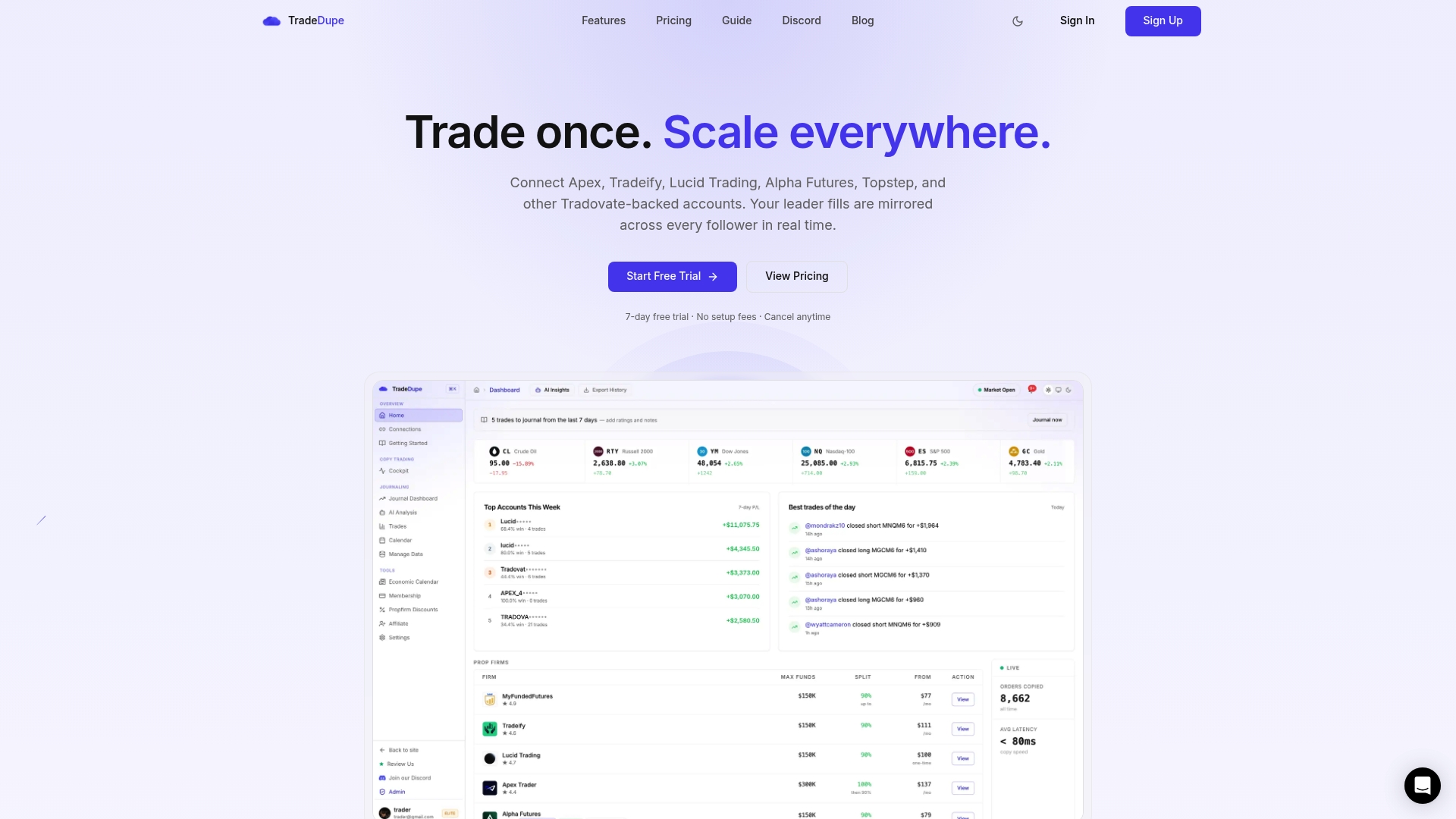
TradeDupe's dashboard delivers real-time Tradovate account sync with a median execution latency of 34ms, supporting both Executions Mode and Orders Mode replication. Per-account toggle controls let you pause or resume individual follower accounts without disrupting the leader. Rogue-trade detection and auto-recovery address the desynchronization risks that multi-account setups face during platform restarts or connectivity interruptions. If you are evaluating your options, the TradeDupe vs TradeSyncer comparison breaks down how these dashboard features stack up against the alternatives. Ready to configure your own setup? Get started with TradeDupe and have your accounts mirroring in under ten minutes.
FAQ
What is the difference between Executions Mode and Orders Mode?
Executions Mode copies trades after the leader's fill confirms, while Orders Mode replicates the live order lifecycle event by event, enabling tighter stop and target management per follower account.
How do copy trading dashboards handle position sizing for different account sizes?
Dashboards offer multiple sizing modes including Ratio, Fixed, Account Value, and PositionSize, each scaling follower trade quantities to match account equity and risk profile rather than copying raw contract counts.
Can a copy trading dashboard manage risk separately for each follower account?
Yes. Production-grade dashboards provide per-account controls including pause and resume toggles, allocation caps, stop-copying drawdown thresholds, and real-time sync status alerts that operate independently per account.
Why does queue randomization matter in multi-account copy trading?
When the same follower account consistently receives its order last in the submission queue, it gets systematically worse fills. Randomizing the queue distributes execution timing evenly across all follower accounts.
How does multi-signal integration work on copy trading dashboards?
Advanced dashboards accept trade signals from leaderboards, TradingView webhooks, and Telegram simultaneously, applying independent per-account risk caps to each signal stream so one source's losses do not affect another's allocation.