
Apex Evaluation Rules (2026): Targets, Drawdown, Limits
TradeDupe
12 min read
Apex evaluation rules for 2026: profit targets, EOD and intraday drawdown, contract limits, the 30-day clock, prohibited activity and what changes after you pass.
An Apex evaluation is a one-step test: reach the profit target for your account size without touching the drawdown threshold, inside 30 calendar days, while respecting the contract limit and the prohibited-activity list. There is no minimum number of trading days and no consistency rule during the evaluation. The 50% consistency rule only appears later, on the funded Performance Account (PA). This guide covers the figures per account size, the rules that fail traders, and what to check before you run more than one account. Rule figures below come from the Apex Help Center and were checked in November 2026. Apex changes its programs, so confirm anything that affects your money on the Help Center itself.
TL;DR
- Targets run from $1,500 (25K) to $9,000 (150K), with a trailing drawdown from $1,000 to $4,000, on either the EOD or Intraday model.
- You have 30 calendar days. There are no minimum trading days and no evaluation consistency rule.
- Contract limits are fixed per size (4, 6, 8 or 12) and count every instrument and position together.
- Hedging, automation, sharing accounts and copying trades with other traders are prohibited, and so is trading without defined risk.
- If you hold several accounts, read the multiple-account and copying rules before your first session, not after a breach.
Table of Contents
- Which Apex rules apply to you in 2026
- Profit targets, drawdown and daily loss limits
- EOD vs Intraday drawdown
- The 30-day clock, activation and fees
- What gets an Apex account failed or flagged
- Running more than one Apex account
- After you pass: how Performance Account rules differ
- A practical pre-session checklist
- Trading several evaluations from one account
- Our view on evaluation rules and scale
- FAQ
- Sources
Which Apex rules apply to you in 2026
Apex replaced its product line on 1 March 2026. Legacy evaluations and Performance Accounts stopped being available for new purchase on March 1, 2026, and existing Legacy accounts keep running under their earlier rules. If you bought a current evaluation, the rules below apply. If you hold a Legacy account, use the Legacy pages in the Apex Help Center, because drawdown, scaling and consistency details differ.
The current model is a one-time fee with no consistency rule in the evaluation and no minimum trading days, and you choose between an end-of-day (EOD) drawdown and an intraday trailing drawdown. Prices differ by drawdown type and by size, so read the current price on Apex's own purchase page instead of relying on a number from a review.
Profit targets, drawdown and daily loss limits
For the EOD evaluation, the Apex Help Center lists the profit target, maximum EOD drawdown and daily loss limit for each size:
| Account size | Profit target | Max drawdown | EOD daily loss limit | Max contracts |
|---|---|---|---|---|
| 25K | $1,500 | $1,000 | $500 | 4 |
| 50K | $3,000 | $2,000 | $1,000 | 6 |
| 100K | $6,000 | $3,000 | $1,500 | 8 |
| 150K | $9,000 | $4,000 | $2,000 | 12 |
The contract limits come from the Help Center's evaluation position sizing page. The limit applies across all instruments and open positions combined, and 10 micros count as 1 standard contract. Oversized orders are rejected without penalty, and position size does not change during the evaluation.
Two practical notes follow from the table. First, the drawdown is larger than the daily loss limit on EOD accounts, but only by a small multiple, so two bad days in a row can take you most of the way to failure. Second, the profit target is 1.5 times the drawdown on every size, which means you are asked to earn more than you are allowed to lose. Plan your risk per trade from the drawdown, not from the target.

EOD vs Intraday drawdown
The drawdown amount is the same on both models, $1,000 to $4,000 by account size. What differs is when the threshold moves.
- EOD drawdown: the threshold updates once a day at 4:59:59 PM ET from your closing balance. Open profit during the day does not pull it up.
- Intraday trailing drawdown: the threshold follows your peak balance in real time, including unrealized profit.
In practice, the intraday model punishes giving back open profit. If a trade runs $800 in your favor and then reverses to breakeven, the threshold has already moved up by that $800. On the EOD model that same round trip leaves the threshold where it was. If you scale out, hold runners or trade volatile opens, the EOD model is the more forgiving fit. If you take quick targets and finish flat, the intraday model costs you less in practice.
One point catches people on EOD accounts: the threshold is set at the close but enforced in real time during the next session. Touching it at any moment ends the evaluation.
Daily loss limit vs drawdown
On EOD accounts, the daily loss limit is a soft breach. According to one rules breakdown, it pauses you for the session without failing the account, while touching the drawdown threshold liquidates the account and fails the evaluation. Treat the daily limit as a stop sign for the day, and the drawdown as the line you never approach.
The 30-day clock, activation and fees
The time limit to reach the profit target is 30 calendar days from the date of purchase. That is calendar days, not trading days, so weekends and holidays count. Once you pass, you have a 7-day window to activate the matching Performance Account. Do not let that window lapse because you were waiting on a payout or a trip.

As reported by third-party rule summaries, the evaluation fee is one-time and non-refundable, and a failed or expired evaluation means buying a new one. Check the current purchase page for exact fees and any discount, since promotions change.
Minimum days and consistency
To pass an EOD evaluation you reach the target without touching the drawdown level. The Help Center states there is no minimum number of trading days, so one strong, controlled day can pass. The 50% consistency rule belongs to the funded account, where it gates the payout request rather than failing the account: if one day is more than half of your total profit, you keep trading until the ratio comes down. For a side-by-side view of how firms handle this, see prop firm consistency rules compared.
What gets an Apex account failed or flagged
The Help Center's prohibited activities page is the document to read in full. It lists, among other things:
- Hedging
- Automation and algorithms
- Trading without stop losses or defined risk management
- Disproportionate risk strategies
- Using the full trailing threshold as your stop
- Stockpiling evaluations
- Non-directional bracket trading
- Sharing accounts or resources, or creating multiple user accounts
- Holding positions through market close
- Exploiting the simulated environment
Violations can lead to Trader Probation, and specified violations can mean account closure or forfeiture. Sharing MAC addresses, computers, IPs, credit cards, or copying trades with other traders is strictly forbidden, with closure and forfeiture of funds as the outcome.
The pattern behind this list is simple: Apex wants one trader, making their own directional decisions, with real risk on every trade. The common mistakes follow from it:
- Risking the whole drawdown on one idea. A stop that sits at the threshold is on the prohibited list, and it leaves no room for a second attempt.
- Ignoring the close. Positions must be flat before market close. Set an alarm well before the session ends.
- Treating the 4:59:59 PM ET update as an afterthought. On EOD accounts it is when your next day's floor is set.
- Oversizing against the contract limit. Rejected orders do not cost you a penalty, but a rejected exit in a hurry can cost you the trade.
- Buying a stack of evaluations without a plan. Stockpiling is listed as prohibited, and every fee is non-refundable.
Running more than one Apex account
Most of the questions traders ask after the basics concern scale: can you hold several accounts and trade them together? The honest answer is that it depends on the account type and how you do it, and you should confirm with Apex before you start.
On the household limit, one analysis of the multiple-account rules stresses that the 20-PA ceiling combines Legacy, EOD and Intraday accounts across the household. It is not a separate quota for each program, which matters if you trade through an LLC or alongside a family member.
On copying, third-party Legacy account pages state that copying across your own Performance Accounts is allowed when every account trades the same direction, while copying with other traders is prohibited. That is a description of Legacy PAs from a third party, not a statement about your evaluation. Apex's prohibited list also bans automation and shared resources, so before you copy anything between evaluation accounts, ask Apex support and read the current Help Center wording. If the answer is unclear, treat it as not allowed until Apex says otherwise in writing.
If you do copy between your own accounts where Apex permits it, the operational risk is real. A rejected order, a connection mismatch or a wrong quantity can leave one follower different from the leader, and that follower can breach even when the leader is fine. Check positions and connections before each session. Our deeper notes on this are in Apex copy trading rules and which futures prop firms allow copy trading.
After you pass: how Performance Account rules differ
Passing the evaluation does not end the rules, it changes them.
- Scaling tiers. On a PA, tier levels are assigned daily at 4:59:59 PM ET from your closing balance, and each tier sets the maximum contracts and daily loss limit for the next session. For the 50K PA, Level 1 allows 2 contracts with a $1,000 daily loss limit, and Level 4 allows 4 contracts with $3,000.
- Consistency. The 50% rule applies at payout request, as described above.
- Inactivity. A summary of the PA rules says you need 2 trading days with $50 or more profit in a rolling 30-day period, or the account goes dormant at day 15 and closes at day 30. Verify this figure with Apex, as it is a third-party report.
The lesson most traders miss is that the daily loss limit and the trailing drawdown do different jobs. The first ends your day, the second ends your account. At the top tier, a maximum daily loss would itself hit the drawdown threshold, so size down well before you reach it.
A practical pre-session checklist
- Confirm your account type (EOD or Intraday, current or Legacy) and the rules page that matches it.
- Write down today's drawdown threshold and daily loss limit in dollars.
- Set a maximum risk per trade that leaves room for at least three losers.
- Check your contract count against the limit, micros included.
- Put a flat-by-close alert on your calendar.
- If you run several accounts, confirm every account is connected and showing the position you expect.
Trading several evaluations from one account
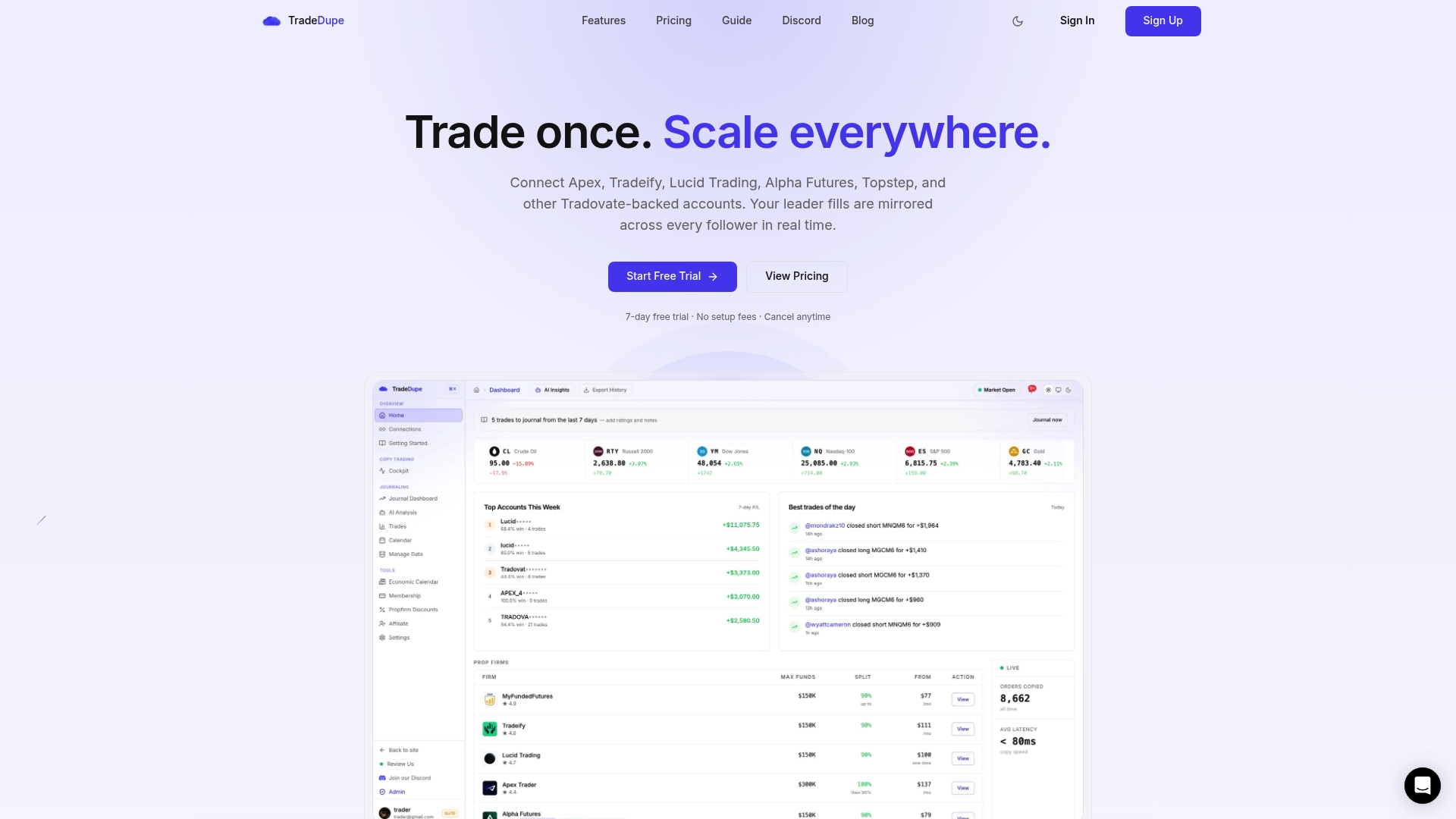
If you hold several Tradovate-based evaluation or funded accounts and your firms permit copying your own accounts, TradeDupe mirrors every fill from a leader account to the follower accounts you enable. You connect through Tradovate's official OAuth flow, so your password is never stored. Daily loss limits and profit targets are set directly on Tradovate, so the broker enforces them, and rogue-trade detection flags follower trades the copier did not place. Plans start at $20/month billed yearly, with a 7-day free trial. See the futures trade copier page for details.
Our view on evaluation rules and scale
> The evaluation rules look strict on paper, but most failed evaluations come from the same few habits: oversizing, ignoring the threshold, and losing track of what each account is doing. > > When you run more than one account, the third problem multiplies. One missed fill or one follower holding a position the leader closed is the kind of mistake that ends an account that was otherwise on track. That is why we built TradeDupe only for Tradovate prop firm traders, with per-account copy toggles, rogue-trade detection, and loss limits enforced by Tradovate itself rather than by software on your own machine. > > Our advice is to learn the rules for one account first, write down your numbers, and only then add accounts. Check each firm's help center for what it allows, because we do not set those rules and they change. > > Andres
FAQ
Is there a consistency rule in the Apex evaluation?
No. The current EOD and Intraday evaluations have no consistency requirement and no minimum trading days. The 50% consistency rule applies to the funded Performance Account at payout request.
How long do I have to pass an Apex evaluation?
You have 30 calendar days from purchase to reach the profit target, according to the Apex Help Center. After you pass, you have 7 days to activate the Performance Account.
What is the difference between EOD and Intraday drawdown?
The amounts are the same, from $1,000 to $4,000 by size. EOD updates the threshold once a day at 4:59:59 PM ET from your closing balance, while Intraday follows your peak balance in real time, including open profit.
Can I copy trades between my own Apex accounts?
Copying with other traders is prohibited, and Apex also bans sharing resources and automation. Whether copying your own accounts is allowed depends on the account type, so confirm the current rule with Apex support and the Help Center before you do it.
What happens if I fail or run out of time?
The evaluation ends and you must buy a new one. The fee is one-time and non-refundable, so check the current terms on Apex's purchase page.
Sources
- Apex Help Center: EOD Evaluations
- Apex Help Center: Evaluation position sizing
- Apex Help Center: Prohibited activities
- Prop Informer: Apex 2026 account overhaul
- JoinProp: Apex Trader Funding review
- Trader Payout: Apex EOD vs Intraday drawdown
- Trader Payout: Apex scaling plan
- po3trader: Apex rules
- Prop Trading Vibes: Apex multiple accounts
- Funded.Now: Apex Legacy $100,000
- The Trade Blog: Apex rules explained
Recommended
- Apex Prop Firm Guide 2026: Rules, Payouts and Multiple Accounts
- Apex Trader Funding Consistency Rule \(2026\): How It Works & The 30% Math
- Apex 3.0 Payout Rules Changed, So Check the 30% Cap First
- Prop Firm Consistency Rules Compared \(October 2026\): Apex, Lucid, Tradeify, MFFU, Topstep & More
For educational purposes only. Not financial advice. Futures trading involves substantial risk of loss and is not suitable for every investor.