
Take Profit Trader Rules 2026: Test, PRO, PRO+ and Copying
TradeDupe
12 min read
Take Profit Trader rules for 2026: profit targets, EOD drawdown, the 50% consistency rule, news and copier policies, and payouts for the Test, PRO and PRO+.
Take Profit Trader (TPT) rules change by account stage. The Test has a profit target, a minimum of three trading days and an end-of-day trailing drawdown. PRO switches to an intraday trailing drawdown, a news blackout and a weekly activity requirement. PRO+ adds a 90/10 split and an invitation-only upgrade. If you run several accounts on Tradovate, the copying and counter-position rules matter as much as the drawdown. This guide covers all of it, checked against TPT's help center in November 2026.
Firm rules get updated, and each page below shows its own "updated" date. Before you trade, confirm anything that affects your account with TPT directly.
TL;DR
- Test: hit the profit target, stay above the end-of-day (EOD) trailing drawdown, trade at least 3 days and keep your best day under 50% of total net profit.
- PRO: intraday trailing drawdown, a flat-before-news rule, at least one traded day per calendar week, and no automated or bot trading.
- Copying: allowed only across accounts you own and control. Never copy between different people, and never let a copier open opposite positions.
- Payouts: PRO withdrawals start at an 80/20 split once the balance clears the buffer zone for your account size.
Table of Contents
- The Test stage: target, contracts and drawdown
- The PRO stage: where most rules bite
- PRO+ and the upgrade process
- Payouts: split, buffer zone and methods
- Copy trading and multiple accounts at TPT
- A pre-session checklist
- Where TradeDupe fits
- Our perspective
- FAQ
- Sources
The Test stage: target, contracts and drawdown
The Test is the evaluation. TPT's Rule 1 page (updated November 13, 2025) sets the profit target and the contract cap for each size:
| Account size | Max contracts | Profit target | EOD trailing drawdown |
|---|---|---|---|
| $25,000 | 3 | $1,500 | $1,500 |
| $50,000 | 6 | $3,000 | $2,000 |
| $75,000 | 9 | $4,500 | $2,500 |
| $100,000 | 12 | $6,000 | $3,000 |
| $150,000 | 15 | $9,000 | $4,500 |
The drawdown column comes from TPT's Rule 3 page, also updated November 13, 2025.
How the EOD trailing drawdown works
A trailing drawdown is a loss limit that follows your account balance upward as you make money. In the Test it is calculated only at the close of each trading day. It trails your highest end-of-day balance and stops rising once it reaches your starting balance. If your balance touches the minimum, the account is liquidated.
An example on a $50,000 account: you finish day one at $50,800. Your floor was $48,000, and it moves up to $48,800. A bad intraday swing that recovers before the close does not move the floor. If you want the concept in depth, our trailing drawdown glossary entry walks through the mechanics.
The 50% consistency rule
This is the rule traders trip over most. According to TPT's Rule 5 page (updated September 22, 2026), your single best day must be below 50% of your total net profit. The Test also requires at least 3 trading days, and any day with at least one trade counts. There is no time limit.
Exceeding 50% does not fail the account. Instead, your required profit goal adjusts to more than twice your best day's net profit.
A worked example on a $50,000 Test with a $3,000 target:
- You make $2,000 on one day and $1,000 across two other days. Total: $3,000.
- Your best day is $2,000, which is 67% of the total, so the rule is not met.
- The goal moves to more than $4,000 (twice $2,000). You keep trading until total net profit clears it.
The practical lesson is to avoid one oversized day. Spreading the profit across several sessions makes the target easier to reach.
The PRO stage: where most rules bite
Once you pass, you move to a PRO account. TPT's PRO Account Rules (updated September 22, 2026) change several things at once.
Intraday trailing drawdown
The drawdown equals the maximum drawdown of the test you passed, for example $1,500 on a $25,000 account. It is calculated on your peak balance, including unrealized gains, and never exceeds the starting balance. Reaching the minimum balance means immediate liquidation.
The difference from the Test matters. In the Test, an open trade that swings up and back down does not move your floor until the day closes. In PRO, a floating profit that peaks and then retraces can pull the floor up and leave you less room than you expected. Size and manage open trades with that in mind. Our trailing drawdown protection guide covers the buffer math.

Weekly activity and no automation
The PRO rules require at least one traded day per calendar week (Sunday to Friday, with at least one round trip) to keep the account active. They also ban all automated or bot trading. That last point is separate from copying, which is covered below.
The news blackout
PRO accounts must be flat, with no open positions or pending orders, one minute before, during and one minute after prohibited news. The same page names:
- FOMC statements and announcements, Wednesdays at 2:00 PM ET. Fed speakers and FOMC minutes are allowed.
- Nonfarm payrolls (NFP), monthly on Fridays at 8:30 AM ET.
- CPI, the consumer price index release.
Check the economic calendar each morning, and cancel resting stop and limit orders before the window opens. Pending orders count too.
Limit up and limit down
You must exit all positions before a limit up or limit down is hit, or the account is lost. This is a CME circuit-breaker mechanism. It is rare, but it is written into the rules, so know where it sits in the products you trade.
PRO+ and the upgrade process
PRO+ is a live account with $0 margin, where you are classified as a professional. TPT's Advantages of PRO+ page (updated March 16, 2026) lists a 90/10 profit split, direct exchange routing, no buffer-zone requirement for withdrawals and an EOD drawdown. Upgrades are by invitation, at TPT's sole discretion.
The upgrade process page (updated June 19, 2026) says that when you upgrade:
- Your PRO account goes on hold with $5,000 of profit frozen.
- The PRO+ account starts at $0, with an EOD drawdown equal to the original PRO starting drawdown (for example, -$2,000 on a $50K account).
- All future trading and withdrawals move to PRO+.
- A negative PRO+ balance is deducted from the frozen $5,000.
TPT also describes PRO+ Development accounts in its help center (updated May 28, 2026). They have reduced contract sizing (from 1 mini or 10 micros on 25K up to 5 minis or 50 micros on 150K), daily loss limits of $500 to $2,000 that pause the account rather than fail it, and smaller EOD drawdowns of $750 to $2,250. TPT says the stage looks for roughly 60 days of disciplined risk management rather than a specific profit number. Daily payouts and no withdrawal limits are unchanged.
Payouts: split, buffer zone and methods
Per TPT's PRO profit split and withdrawal rules (October 9, 2026), PRO traders can withdraw from day one at an 80/20 split once the balance reaches the buffer zone:
| Account size | Buffer-zone balance |
|---|---|
| $25,000 | $26,500 |
| $50,000 | $52,000 |
| $75,000 | $77,500 |
| $100,000 | $103,000 |
| $150,000 | $154,500 |
The buffer is there so a payout does not leave your account sitting right on the liquidation line. If your account is at $53,200 on a $50K, the amount above $52,000 is what you can request. After a withdrawal, your balance falls back toward the buffer and your drawdown cushion is rebuilt from there. That is why many traders request smaller, regular payouts instead of one large one.
TPT's FAQ lists US payout methods as Plaid real-time bank transfer or ACH. It also says there is no consistency rule in PRO, so the 50% rule is a Test-stage concern. Confirm current payout timing with TPT's help center before you plan around it.

Copy trading and multiple accounts at TPT
This is where traders with several accounts need to read carefully. TPT's FAQ says you can copy trade your Test accounts and run up to 5 PRO accounts at once, with the 5-account limit carrying over to PRO+ at a 90% split.
The boundaries come from three policies, all in TPT's help center:
- Independent Trade Execution Policy (updated April 7, 2026): copying or synchronizing trades between different users or identities is prohibited. So is coordinated execution. Synchronizing across accounts you solely own is permitted, unless it creates opposing or offsetting positions.
- Trade Copier Policy (updated October 22, 2026): copiers are permitted only for accounts you own and control. The policy lists approved tools, including platform-native copiers such as Tradovate's own. It warns that unapproved copiers or modified versions may lead to enforcement action.
- Rule 6, No Counter Positions (updated November 9, 2026): if a copier causes opposite positions, it counts as a counter-position violation. You are responsible for configuring and monitoring the copier, and copier trades are treated as your own actions under every rule.
The PRO rules also ban counter positions in the same or closely related products across Test, PRO and PRO+. That includes being long on one account while short on another.
What this means for your setup
- Only your own accounts. One person, one set of accounts. Never mirror a friend's or a group's trades.
- No hedging between accounts. Do not run one account long and another short in the same or a correlated product, even by accident.
- Check the approved-tool list yourself. Read the Trade Copier Policy for the current list before you connect anything, and ask TPT support if your tool is not listed. The list is updated, so confirm it in the month you set up.
- Monitor. The responsibility is yours. Watch for a follower that fails to flatten or takes a trade you did not place.
The first rule to break by accident is the counter-position rule, usually because a follower account has a stray order. That is the reason copier safeguards such as rogue-trade detection and per-account toggles exist. Our TakeProfit Trader copy trading guide covers the setup step by step, and the comparison of firms that allow copy trading shows how TPT sits against other Tradovate-based firms.
A pre-session checklist
Use this before each session on any TPT stage:
- Which stage is each account in, and which drawdown type applies (EOD or intraday)?
- Is there a news release today that forces you flat?
- Is your best day creeping above 50% of your total on a Test account?
- Does every follower account carry the same direction as the leader, with no stray orders?
- Have you traded at least one day this calendar week on every PRO account?
- Is your balance near the buffer zone or near liquidation?
Where TradeDupe fits
If you hold several Tradovate-based accounts and want to trade them from one, TradeDupe is built for that. You connect through Tradovate's official OAuth flow, so your password is never stored. You pick a leader account, and every fill on it is mirrored to the follower accounts you enable. Rogue-trade detection and per-account copy toggles help you catch the stray follower trade that causes counter-position problems. Daily loss limits and profit targets are set directly on Tradovate, so the broker enforces them.
TradeDupe works with TakeProfit Trader, Apex Trader Funding, Tradeify, Lucid Trading and MyFundedFutures accounts on Tradovate. Plans start at $20/month billed yearly (Standard), with Pro at $45/month and Elite at $90/month on yearly billing. Every plan includes a 7-day free trial with one-click cancellation. See TradeDupe's Tradovate trade copier or the TakeProfit Trader copy trading page.
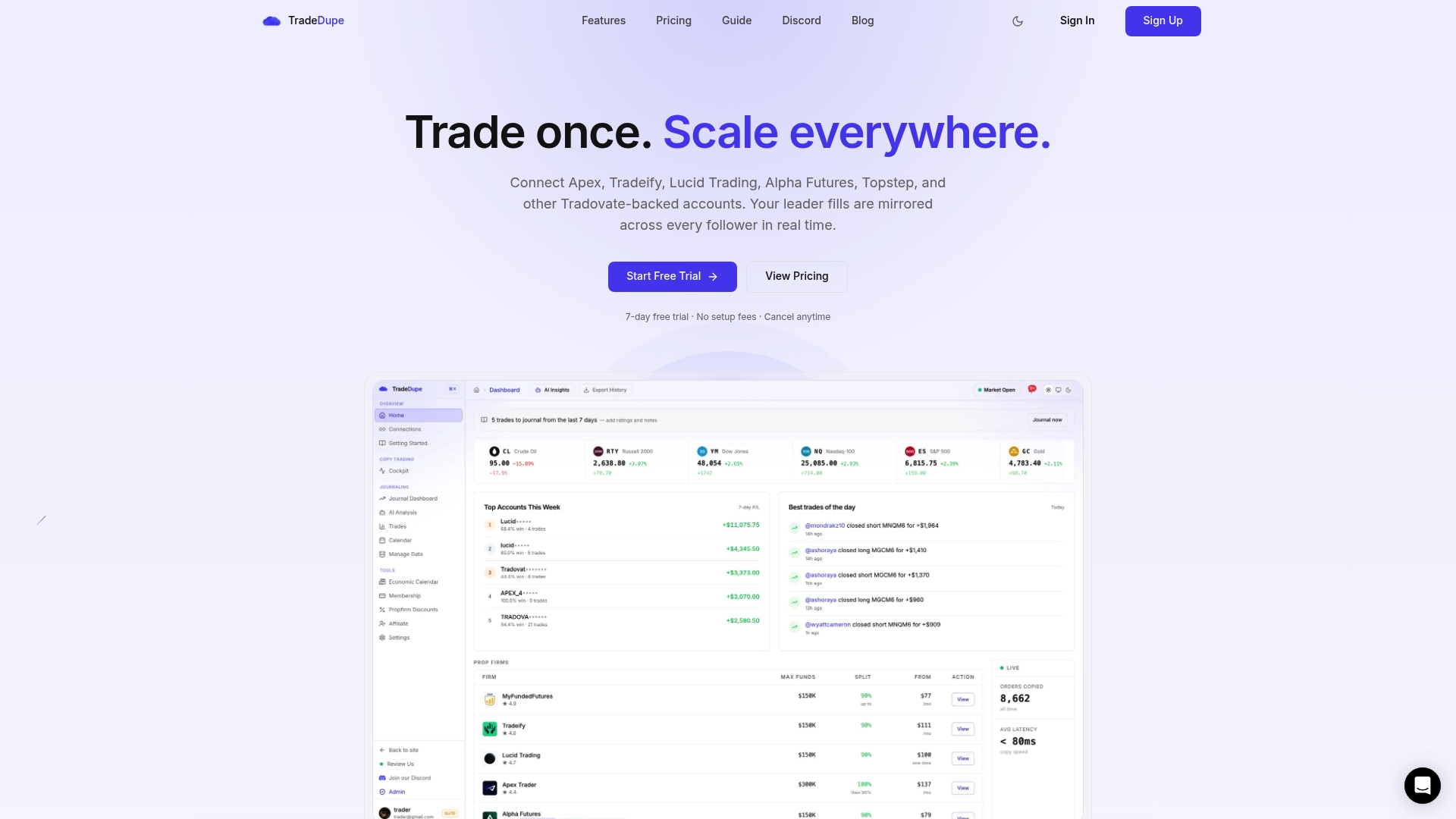
Trade copying is permitted only within the firm's rules, so read TPT's Trade Copier Policy for the current requirements before connecting.
Our perspective
> Most blown prop accounts we hear about are not strategy failures. They are rule failures: a floating profit that pulled an intraday floor up, an order left resting through CPI, or a follower account that did not match the leader. > > That is why we built TradeDupe only for Tradovate prop traders rather than as a generic multi-broker bridge. Your password is never stored, nothing runs on your PC or VPS, and loss limits are enforced by Tradovate itself, not by our software hoping to be fast enough. > > Our advice: learn each firm's rules at the account level, write them down, and make your copier a tool that enforces your plan across every account, with rogue-trade detection watching for anything you did not place. > > Andres
FAQ
Does Take Profit Trader allow copy trading?
Yes, within limits. TPT says you can copy trade your Test accounts, and its Trade Copier Policy permits copiers for accounts you own and control. Copying between different people is prohibited, and you should check the policy's approved-tool list and confirm with TPT before connecting a copier.
What is the Take Profit Trader consistency rule?
It applies in the Test. Your best trading day must be below 50% of your total net profit. If it is not, you do not fail: your required profit goal rises to more than twice your best day's net profit. TPT's FAQ states there is no consistency rule in PRO.
Do I have to be flat during news at Take Profit Trader?
On PRO accounts, yes. You must have no open positions or pending orders one minute before, during and one minute after prohibited releases: FOMC statements, monthly NFP and CPI. Fed speakers and FOMC minutes are allowed, per the PRO Account Rules.
How many PRO accounts can I run at once?
TPT's FAQ says up to 5 PRO accounts simultaneously, and the 5-account limit carries to PRO+ with a 90% split. Counter positions across Test, PRO and PRO+ accounts are not allowed, so keep every account pointed the same way in the same product.
Sources
- Rule 1: Hit Your Profit Target, TakeProfitTrader
- Rule 3: EOD Maximum Trailing Drawdown, TakeProfitTrader
- Rule 5: Be Consistent, TakeProfitTrader
- PRO Account Rules, TakeProfitTrader
- Advantages of PRO+, TakeProfitTrader
- PRO+ Account Upgrade Process, TakeProfitTrader
- PRO+ Development Accounts, TakeProfitTrader
- PRO Account Profit Split and Withdrawal Rules, TakeProfitTrader
- Take Profit Trader FAQs
- Independent Trade Execution Policy, TakeProfitTrader
- Trade Copier Policy, TakeProfitTrader
- Rule 6: No Counter Positions, TakeProfitTrader
Recommended
- TakeProfit Trader Copy Trading: Rules and Setup \(2026\)
- Take Profit Trader \(TPT\) Copy Trading \(2026\): Mirror Every Account
- Best Trade Copier for Prop Firms \(2026\): Rules + Setup
- Prop Firm Consistency Rules Compared \(October 2026\): Apex, Lucid, Tradeify, MFFU, Topstep & More
For educational purposes only. Not financial advice. Futures trading involves substantial risk of loss and is not suitable for every investor.