
Stop Order Mirroring on Tradovate: How It Works Across Prop Accounts
TradeDupe
13 min read
How stop order mirroring works when you copy one Tradovate account to several prop firm accounts: stop-market vs stop-limit, brackets, OCO, and why fills differ.
Stop order mirroring means that the exit you place on one Tradovate account, usually a protective stop, ends up protecting your other prop firm accounts too. In practice, what gets mirrored depends on your copier: some tools replicate working orders, while a fill-based copier mirrors the fills that your leader account produces. Either way, your stop only protects every account if the order type, the size, and the firm's rules line up. This guide explains how stops behave, why a follower can end up with a different result than the leader, and what to check before you run several Apex, Tradeify, Lucid, MyFundedFutures or TakeProfit Trader accounts from one screen.
TL;DR
- A stop-market order becomes a market order when its stop price is touched. A stop-limit order becomes a limit order at that point, so it can fail to fill. Mirrored accounts inherit that difference.
- Bracket orders (stop loss plus profit target) use OCO logic: when one leg fills, the other cancels. Confirm that every follower account ends up with a matching, live exit.
- Followers can differ from the leader because of fill prices, contract size, account state and firm rules, not just the copier.
- Copying is allowed between accounts you own at most firms, but each firm has its own conditions. Check the firm's help center and confirm anything you are unsure of with the firm.
- Test your setup at small size before it matters, and set daily loss limits on Tradovate itself so the broker enforces them.
Table of Contents
- What stop order mirroring actually means
- How stop orders behave: stop-market vs stop-limit
- Brackets and OCO: what happens to the other leg
- Why a follower's stop or fill can differ from the leader's
- Firm rules to check before you mirror stops
- A practical checklist for mirrored stops
- Worked example: one stop, five accounts
- Our perspective
- Run your stops across accounts with TradeDupe
- FAQ
- Sources
What stop order mirroring actually means
When you hold five or ten prop accounts, you do not want to click a stop on each one. You trade one leader account and let a copier replicate your activity to the follower accounts. Stops are the part that scares most traders, because an entry that lands late is an annoyance, while a stop that is missing is a blown evaluation.
There are two things people mean by the phrase:
- Mirroring the order itself. The stop sits as a working order on each follower, waiting for price.
- Mirroring the outcome. The stop sits on the leader. When price hits it and it fills, that fill is copied to the followers, closing their positions.
These are not the same, and the difference matters for risk. In the first model each follower has its own resting protection. In the second, followers are flat only after the leader's stop actually fills and the copy goes through. If you want a deeper primer on the copying concept before going on, our copy trading explainer for futures covers the basics.
TradeDupe works from the leader's fills: every fill on the leader is mirrored to your enabled follower accounts in real time over live WebSocket streams. That gives you a clear mental model. Your leader's stop is a real order on Tradovate, and when it executes, the followers follow. Everything below helps you reason about that chain, whatever tool you use.
How stop orders behave: stop-market vs stop-limit
Before mirroring anything, know exactly what your stop does on the leader, because every follower inherits it.
Under the CME Group's published rule definitions, a stop order becomes a market order once its stop price is reached, while a stop-limit order becomes executable at its limit price or better once the stop price is reached. Translated into trader language:
| Order type | What happens at the stop price | Main risk |
|---|---|---|
| Stop-market | Turns into a market order and fills at the next available price | Slippage in fast markets |
| Stop-limit | Turns into a limit order at your limit price or better | May not fill if price moves through your limit |
For a single account this is a personal preference. For several accounts it is a consistency question. A stop-market gives you the highest chance of getting out on every account, but each account can get a slightly different price. A stop-limit gives you price control, but you can end up with one account filled and another still open, which is exactly the situation that causes trouble with trailing drawdown on an evaluation.
Most traders running multiple prop accounts choose stop-market for the protective stop, because the priority is to be out, not to be out at a specific tick. Whatever you choose, use the same type on every account you trade and do not change it mid-trade without understanding what it does to the copied result.
Brackets and OCO: what happens to the other leg
Most futures traders do not place a lone stop. They attach a stop loss and a profit target together. On Tradovate, these exit orders use OCO (One Cancels the Other) logic, so when either the profit target or the stop loss is triggered, the other is automatically canceled. The CME definitions say the same thing in rule language: an OCO order combines two orders, and execution of either one automatically cancels the other.
Two details from Tradovate's own documentation are worth knowing:
- A predefined Take Profit / Stop Loss strategy is only submitted when it is attached to a new entry order. It cannot be applied to a position that is already open.
- If you need protection on an open, unprotected position, you place a separate one-time OCO order.
Why this matters for mirroring: if your followers rely on bracket orders placed on each account, a follower that missed the entry will have no bracket either. If your followers rely on the leader's fills, then a position you opened without a stop on the leader has no stop anywhere, and you are the only protection. Either way, the habit is the same: place the bracket with the entry, every time, and look at the leader's order list immediately after the fill.
Why a follower's stop or fill can differ from the leader's
Traders often assume mirrored accounts will be identical to the tick. They will usually be close, but several things can legitimately make them differ.
Fill price
Each account's order is its own order in the market. Even when two orders are sent close together, they fill against whatever liquidity is available. In a fast move, a stop-market on the leader and the matching exit on a follower can print a tick or more apart. This is normal market behavior, not a copier fault, and it grows with contract size and volatility.
Contract size
If the leader trades 3 contracts and a follower is scaled to 1, a partial fill pattern can look different. Size multipliers are fine, but remember that a stop distance in ticks costs different dollars on accounts of different sizes, and each account has its own drawdown buffer.
Account state
A follower can be disabled, disconnected, flat, locked after a rule breach, or in a different state than the leader. A per-account copy toggle is useful here: you switch a given account off without disconnecting it. TradeDupe includes per-account copy toggles and rogue-trade detection, which catches follower trades the copier did not place. That matters for stops, because a manual order on a follower that you forgot about can leave that account's position out of sync with the rest.
Rejected orders
Exchange and broker checks can reject an order, for example when it conflicts with a risk setting on the account or a limit the firm put on it. A rejected order on one follower means that account is not protected the way the others are. Always scan your follower accounts after a new entry, not just the leader.
Different account types and rules
Evaluation, funded and different-size accounts can carry different contract caps and drawdown types. When accounts are not identical, one stop distance is not equally safe on all of them.
Firm rules to check before you mirror stops
The copier is only half of the picture. The firm's rulebook decides whether copying is permitted at all and under what conditions. Rules change, so treat every statement below as something to confirm on the firm's current help center, and when you are unsure, ask the firm.
As an example of how specific these policies are, the Top One Futures help center says that copying is permitted only between accounts of the exact same type and size, and that traders are responsible for setup and outcomes, including copy failures. Top One Futures is not one of the Tradovate firms in this guide, but the pattern is typical. Firms commonly care about the following, so look for each in the help center:
- Whose accounts you may copy between. Your own accounts versus other people's accounts are treated very differently.
- Direction. Copying the same direction on all accounts is the standard expectation. Hedging between your own accounts is a common reason for a firm to act.
- Account count caps. Firms can set a maximum number of active accounts.
- Automation language. Some policies distinguish between copying your own manual trading and fully automated strategies. Read how your firm words it.
- Consistency and payout rules. Copying many accounts identically produces identical results, which interacts with consistency rules at payout time. Look up the firm's rule and plan your sizing around it.
- Responsibility. Most policies put the responsibility for the setup on you.
For the five firms most Tradovate traders ask about, our page on which futures prop firms allow copy trading collects the rules in one place, and the MyFundedFutures copy trading guide goes deeper on that firm. We recommend reading the firm's own help center page for Apex, Tradeify, Lucid, MyFundedFutures or TakeProfit Trader on the day you set up, and noting the month you checked. If a rule is ambiguous, ask the firm's support in writing and keep the reply.
Note also that Topstep and Alpha Futures are not on Tradovate, so the setup in this article does not apply to them.
A practical checklist for mirrored stops
Use this routine every time you add accounts or change your copy settings.
- Read the rules first. Confirm copying is allowed on every account you plan to link, and for how many accounts, in the firm's help center.
- Match the accounts. Group accounts of the same type and size where you can. It keeps stop distance and drawdown consistent.
- Choose one stop type. Pick stop-market or stop-limit for your protective stop and use it everywhere.
- Attach the bracket on entry. Remember that Tradovate applies a stop loss and profit target strategy only to a new entry order.
- Verify before you rely on it. Top One Futures recommends testing and verifying copy settings in a simulated environment before active trading. Trading one contract is a reasonable first live check, too.
- Look at every account after each entry. Confirm position size, a live exit where you expect one, and no unexpected orders.
- Set limits at the broker. Daily loss limits and profit targets set directly on Tradovate are enforced by the broker, not by software on your PC.
- Know how to switch an account off. Per-account toggles let you stop copying to one account without touching the rest.
Mistakes that cost accounts
- Entering a trade without a stop "just for a second" and having it copied everywhere.
- Moving a stop on a follower by hand, so the accounts no longer match.
- Using a stop-limit in a fast market and finding some accounts still open.
- Ignoring a disconnected or disabled account until the next session.
- Assuming the same stop distance is safe on a small remaining drawdown buffer as on a fresh account.
- Copying with accounts that the firm does not treat as the same type.
Worked example: one stop, five accounts
Say you hold five 50K evaluation accounts and trade one micro-contract-scaled plan on the leader. You enter long at 20,000 on NQ-style pricing and attach a bracket: a stop-market 20 points below and a target 40 points above. These numbers are illustrative, not a recommendation.
Price drops through the stop. The leader's stop becomes a market order and fills at, say, 19,979.75 in a fast tape. The leader's fill is replicated to the followers, which close at their own prices, perhaps 19,979.50 or 19,980.00. Each account has a slightly different loss. The bracket's OCO logic cancels the target on the leader once the stop fills.

Now change one thing: you used a stop-limit with the limit at 19,980. Price gaps through 19,980 and your order rests unfilled. The leader is still long. Depending on timing and what the copier has seen, some followers might still be long too. That is the scenario where a stop-limit costs you, and why the order type decision comes before the copier decision.
The takeaway: the stop type, the bracket and your own review after the entry matter as much as the speed of the tool.
Our perspective
> Most of the stop trouble we hear traders worry about is not about the copier at all. It is about three habits: no stop on the entry, a mix of order types across accounts, and no check after the fill. > > We built TradeDupe only for Tradovate prop firm traders, so the design follows how that setup works. You connect through Tradovate's official OAuth flow, your password is never stored, and nothing runs on your PC or VPS. Daily loss limits and profit targets are set directly on Tradovate, so the broker enforces them, and rogue-trade detection catches follower trades the copier did not place. > > Our view is simple: the broker should hold the hard limits, the copier should mirror what you do reliably, and you should keep your stop logic boring and identical across accounts. That combination is what lets one trader manage many accounts without watching every ticket. > > Andres
Run your stops across accounts with TradeDupe
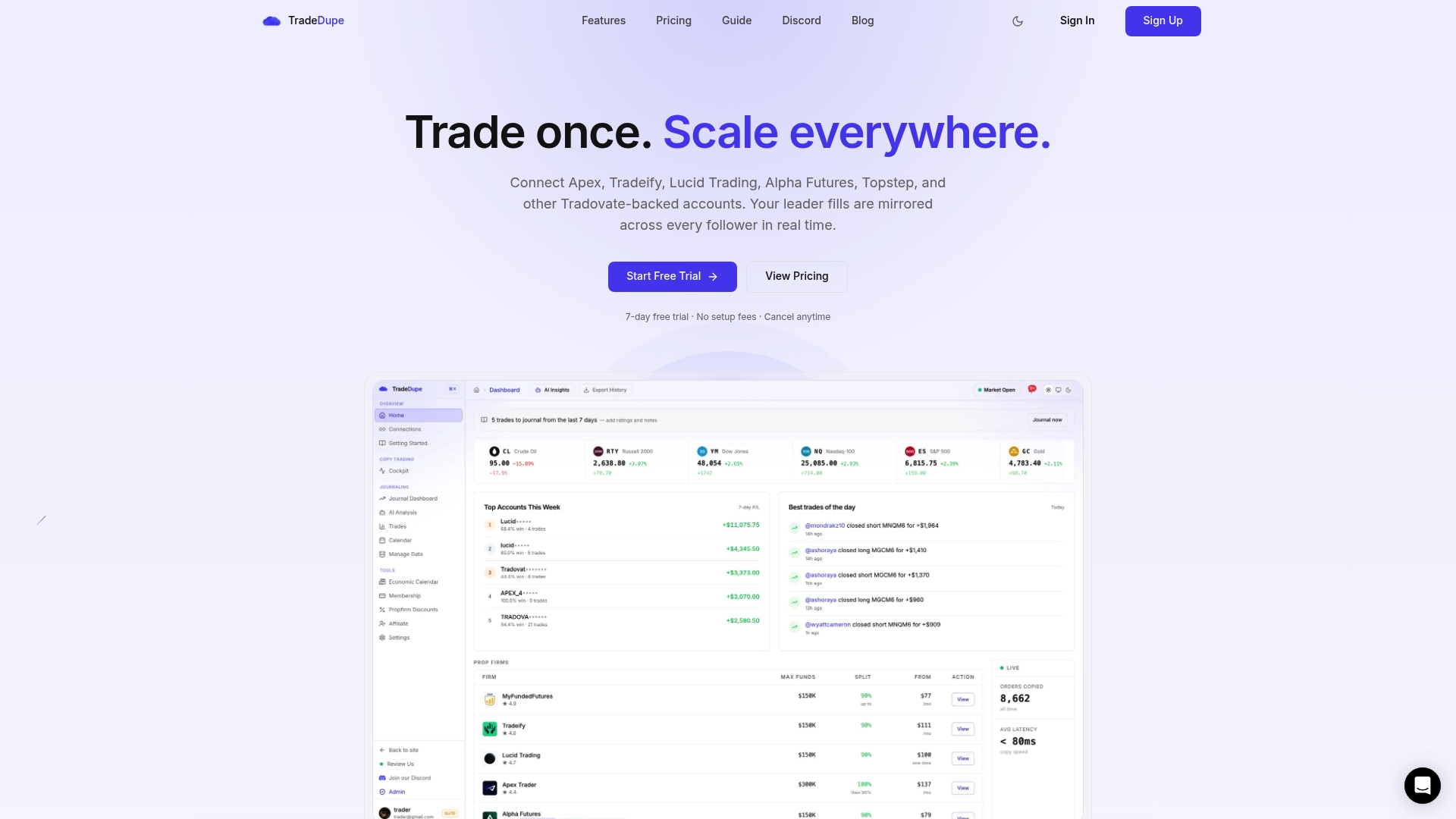
If you trade several Tradovate prop accounts, TradeDupe lets you choose a leader account and mirrors every fill to the follower accounts you enable, with per-account toggles, execution mode controls and rogue-trade detection. Plans start at $20 per month billed yearly for Standard (2 connections, 10 accounts each); Pro is $45 per month billed yearly and Elite, with unlimited connections, is $90 per month billed yearly. Monthly billing is $30, $60 and $120 respectively. Every plan includes a 7-day free trial and one-click cancellation. See the futures trade copier page for how the setup works.
If you are comparing approaches first, the prop firm trade copier guide lays out the rules and setup steps, and our blog post on mirroring trades across prop accounts walks through the routine in more detail.
FAQ
What is stop order mirroring?
It is the practice of making the protective exit you place on one Tradovate account protect several accounts. Depending on the tool, the working stop order is replicated to each account, or the leader's stop fill is copied to followers. Either way you should confirm that each account ends up flat or protected as you expect.
Should I use stop-market or stop-limit when I copy to several accounts?
A stop-market becomes a market order when the stop price is reached, so it prioritizes getting out. A stop-limit becomes a limit order and may not fill if price moves past your limit. Many multi-account traders use stop-market for protection and keep the same type on every account. Choose the one that fits your plan and your firm's rules.
Why did my follower account fill at a different price than the leader?
Each account's order fills against the market on its own, so in a fast move prices can differ by a tick or more. Different contract sizes, partial fills and account states can also change the result. Compare the fills on each account rather than assuming they are identical.
Is copying stops allowed on Apex, Tradeify, Lucid, MyFundedFutures and TakeProfit Trader?
Policies differ and change, so read each firm's help center on the day you set up and note the month you checked. Look for who you may copy between, account caps, direction rules and automation wording. If any line is unclear, ask the firm's support and keep the answer in writing.
Sources
- CME Group rule definitions for stop, stop-limit and OCO orders (filed with the CFTC)
- ATM Strategies on Tradovate Web, Tradovate Support
- Copy Trading Policy, Top One Futures Help Center
Recommended
- 34ms Copy Mirroring for Tradovate Prop Desks, Not Retail VPS
- How to Mirror Trades Across Prop Accounts: 2026 Playbook
- 100ms Mirroring: Role Based Access Trading for Tradovate Prop Desks
- 100ms Trade Mirroring for Tradovate Prop Traders: Tests & Oversight
For educational purposes only. Not financial advice. Futures trading involves substantial risk of loss and is not suitable for every investor.