
Scaling Limits Per Symbol on Prop Firm Futures Accounts (2026)
TradeDupe
13 min read
How prop firm contract limits and scaling plans apply per symbol, how minis and micros count, and what changes when you copy one Tradovate account to several.
Most futures prop firms do not give each symbol its own allowance. They set one contract ceiling for the whole account, count minis and micros against it together, and in some cases raise it only as a funded account earns profit. A "per symbol" limit usually shows up as a single-instrument cap, such as a maximum number of NQ contracts, sitting inside that overall ceiling. If you copy one Tradovate account to several others, the smallest limit among your followers is the one that decides whether every order goes through cleanly.
This guide explains how the limits work, how to read them for ES, NQ and their micros, what changes between evaluation and funded stages, and how to keep a copied trade inside every account's rules. The figures below come from the firms' own help centers, read in November 2026. Limits change, so confirm your exact number with your firm's help center before you size a trade.
TL;DR
- A scaling limit is a cap on contracts you may hold at once. Firms usually count it across all open positions, not separately for each symbol.
- One mini equals 10 micros at the firms we checked, so 4 minis, 40 micros or 2 minis plus 20 micros can all mean the same ceiling.
- Scaling plans, where the cap rises with profit, generally apply to funded accounts only. Evaluations typically give you the full allocation from day one.
- Orders over the cap are usually rejected by the platform, but combinations that slip past it can still breach your account.
- When you copy trades across accounts, match account type and size, and switch off any follower whose limit is lower than the leader's order.
Table of Contents
- What a per-symbol scaling limit actually means
- How minis and micros count against the limit
- Typical limits by account size
- Evaluation versus funded: when scaling starts
- What happens when you go over
- A worked example: 2 NQ and 20 MNQ
- Copying one Tradovate account to several: where limits bite
- A pre-session checklist for multiple accounts
- Common mistakes
- How TradeDupe fits
- Our view on limits and copying
- FAQ
- Sources
What a per-symbol scaling limit actually means
Three different ideas get mixed together under this phrase, and separating them prevents most mistakes.
Maximum contracts is the total position you may hold at one time. It is set by account size. Blue Guardian's help center defines it as the maximum number of contracts you can hold at one time, with 1 mini equal to 10 micros.
A single-instrument cap is the part of that ceiling you can put into one product. My Funded Futures' Cross Instrument Policy, published August 24, 2026, gives the example that more than 2 contracts on NQ on a Rapid 50K sim funded plan is rejected automatically.
A scaling plan is a schedule that raises the maximum as your funded account grows. Top One Futures describes its funded Elite ACCESS and Elite Daily accounts this way: the allowance increases with end-of-day simulated profit.
So when you search for a per-symbol scaling limit, you are really asking three questions: how many total contracts, how many in one product, and does that number grow with profit. Your firm's rules page answers all three for your specific plan.
How minis and micros count against the limit
A mini is a standard futures contract such as ES or NQ. A micro is one-tenth the size, such as MES or MNQ. Firms convert between them at a fixed ratio so you can mix sizes.
BrightFunded Futures' instruments page says the limit is the same for every asset class and covers CME symbols including ES/MES, NQ/MNQ, RTY/M2K, YM/MYM, 6E/M6E, CL/MCL and GC/MGC, with a $50K account equal to 4 minis, 40 micros, or 2 minis plus 20 micros. Top One Futures gives a similar example: a $50K Elite ACCESS funded account at full allocation may hold 2 minis plus 10 micros.
The practical rule is to convert everything to mini-equivalents before you enter. Ten micros count as one mini, so a position of 1 NQ and 10 MNQ is two minis' worth of exposure, not one.
Why the ceiling is not per symbol at most firms
Lumen Futures' contract limits page, updated August 15, 2026, states that its limit applies to everything you hold at once, across all open positions, not per trade and not per instrument. Its example: two ES and two NQ on a $50K account is four contracts, which is the ceiling. Crest Futures says the same in its September 2026 page: your total open position across all instruments counts toward the limit.
The consequence is simple. You cannot hold the full allowance in ES and then add the full allowance in NQ. Each position uses part of one shared pool.
Typical limits by account size
Limits differ by firm and by plan, so treat the figures below as examples of how the schedules look, not as your own numbers.
| Firm (help center, page date) | Account | Limit as published |
|---|---|---|
| Lumen Futures (Aug 15, 2026) | $25K / $50K / $100K / $150K | 2/20, 4/40, 8/80, 12/120 minis/micros (as summarized on the BrightFunded page) |
| Crest Futures (Sept 2026) | $25K up to $500K | 10 minis/100 micros up to 35 minis/350 micros, same for evaluation and funded |
| Top One Futures | Elite, Instant Sim Funded, Ignite (fixed) | $25K: 1/10, $50K: 3/30, $100K: 5/50, $150K: 7/70 |
| Blue Guardian Futures | Elite $50K | 4 minis/40 micros |
Two firms with the same account size can have limits that differ by several contracts. That gap is why you should never assume a rule from one firm carries over to another.
For firms that matter most to Tradovate traders, such as Apex, Tradeify, Lucid, MyFundedFutures and TakeProfit Trader, read the current contract rules on each firm's own help center. For Apex specifically, our Apex evaluation rules guide collects targets, drawdown and limits in one place, and the MyFundedFutures multiple accounts guide covers that firm's account rules.
Evaluation versus funded: when scaling starts
A common surprise is that scaling plans start only after you pass. Top One Futures states that scaling applies to funded accounts only: during evaluation you use your full contract allocation from day one. Funded limits update once per day from your end-of-day closing balance, and an increase applies the following trading day. In its $50K Elite ACCESS example, the funded account holds 1 mini at $0 to $1,499 of profit, 2 at $1,500 to $1,999, and 3 at $2,000 and above.

Blue Guardian describes a comparable ladder for its Reserve and Express funded accounts. A $100K account starts at 3 minis/30 micros and unlocks 4/40 at +$1,500, 5/50 at +$2,000 and 8/80 at +$3,000. Its Elite and Direct accounts use flat limits instead. The same page notes that if your end-of-day balance drops below a trigger, your tier may be reduced.
That last point catches traders who think of scaling as a one-way ratchet. A bad day can shrink your allowance for the next session. Some firms skip scaling entirely: Lumen says there is no scaling plan and the full limit is available on the first trade.
FTUK adds a reminder for its FLEX Futures plan: scaling does not override the daily loss limit or maximum loss limit. A bigger allowance gives you room to hold more contracts, not more room to lose. If you are planning the step after passing, our guide to scaling a prop firm account after funding walks through what changes.
What happens when you go over
There are two outcomes, and they are very different.
The platform rejects the order. Crest states that its system automatically rejects any order that would exceed your limit, and that a rejected order does not create a rule violation. Blue Guardian and Lumen likewise describe automatic rejection for orders beyond the cap.
The position gets through and counts as a breach. This happens when your firm treats the limit as a rule you must monitor yourself. Top One Futures says exceeding the limit is a rule violation: trades may be rejected or reduced, the account may be flagged, profits made while over the limit may be removed, and payouts may be deemed ineligible. It states that monitoring the scaling rules is your personal responsibility.
My Funded Futures draws the line sharply. A single-instrument order over the allowed size is rejected, but combinations across instruments that exceed the overall limit, such as 2 minis and 20 micros, may execute but are not permitted and can lead to a breach. Deliberate attempts to get around position scaling rules are treated as a breach too.
The takeaway: a rejection is a safety net, but a fill is not proof you are within the rules. Count your exposure yourself.

A worked example: 2 NQ and 20 MNQ
Suppose you hold a Rapid 50K sim funded account at My Funded Futures, where the cited example allows 2 minis in NQ. You buy 2 NQ. That is at the single-instrument cap, so the platform stops you adding a third. Now you add 20 MNQ, which equals two more minis of exposure. Per the policy, that combination may technically be accepted but is not permitted. The fix is to size in mini-equivalents before the first order: 2 NQ is your full allowance, so any micros in the same family must replace minis, not sit on top of them.
If you want to size trades by risk first and contracts second, a futures position size calculator gives you the contract count your stop distance supports, which you then compare to your firm's ceiling. For the general logic of turning risk into size, this primer on position sizing basics is a helpful companion.
Copying one Tradovate account to several: where limits bite
Copying changes the arithmetic. One decision on the leader becomes many orders, each checked against a different account's rules. Three things matter.
1. Match account type and size
Top One Futures' Copy Trading Policy allows copying only between accounts of the exact same type and exact same size: Elite ACCESS $50K to Elite ACCESS $50K is fine, while mixing Elite ACCESS with Elite Daily, or $50K with $100K, is prohibited. Even where a firm is looser, same type and size means the same contract ceiling, which removes most limit conflicts.
2. Own accounts only
Top One Futures also allows copying between your own accounts at different firms, including through third-party platforms, provided every account is owned by you and every trade reflects your own strategy. Copying accounts owned by anyone else, following signals and group trading are prohibited. FundedNext Futures' policy, dated March 30, 2026, takes the same line: copying is allowed between your own accounts, all registered to the same verified individual, and the firm may ask you to verify that. For a firm-by-firm view, see our list of prop firms that allow copy trading.
3. Respect the lowest limit among followers
If your leader holds 4 minis and one follower is capped at 3, that follower either gets rejected orders or, worse, drifts out of sync with the others. Before you start a session, list each account's current ceiling, including funded accounts whose tier changed after yesterday's closing balance. Then either keep leader size at or below the smallest cap, or turn that account off for the day.
Scaling tiers make this a daily check. A funded account that unlocked a higher tier last week may have slipped back after a losing session, while its sibling stayed up.
A pre-session checklist for multiple accounts
- Read each firm's current contract page. Note the account size, stage and whether it scales.
- Write the ceiling in mini-equivalents for every account, using 10 micros per mini.
- Check yesterday's end-of-day balance on scaling funded accounts to see whether today's tier moved.
- Set your leader size at or below the lowest cap among accounts you plan to copy.
- Confirm the loss limits. Scaling does not replace the daily loss limit or maximum loss limit, so check those alongside size. Our guide on preventing daily loss limit breaches covers that side.
- Confirm anything unclear with the firm. If a page is vague on how it counts a position, ask its support before you trade it.
If your plan also depends on payout rules, compare how each firm treats profit concentration in our consistency rules comparison, since larger size interacts with those rules.
Common mistakes
- Counting per symbol when the limit is shared. Two ES plus two NQ is four contracts at a firm that pools them.
- Forgetting micros. Twenty micros are two minis. They are not a free add-on.
- Assuming evaluation rules carry into funded. Scaling often starts only after funding.
- Ignoring tier drops. End-of-day balance can lower the next day's allowance.
- Mixing account types in a copy group. Different plans or sizes can break a firm's copy rules and its limits.
- Treating a fill as approval. A position can execute and still be a breach.
How TradeDupe fits
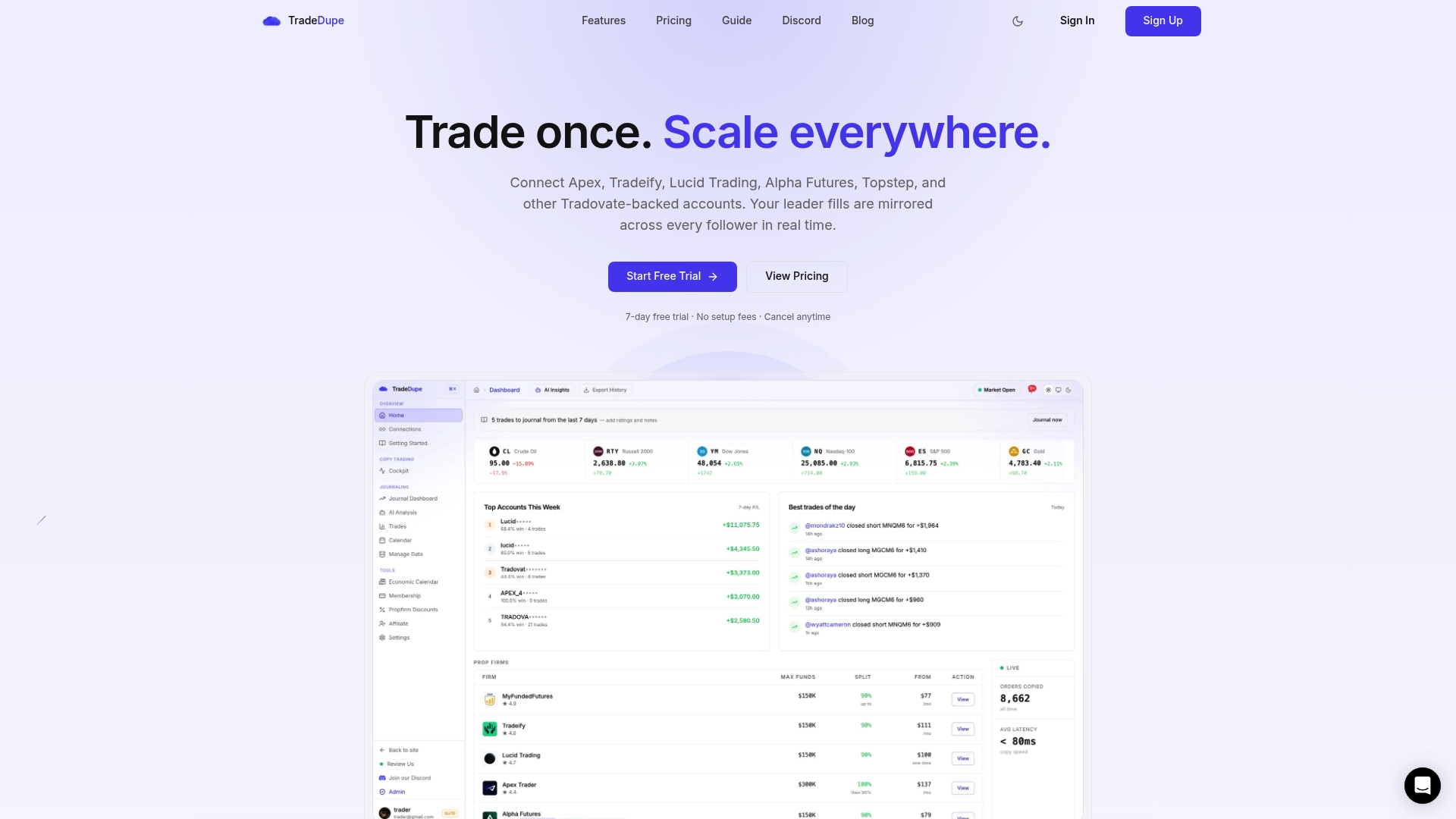
TradeDupe mirrors every fill on your Tradovate leader account to the follower accounts you enable, in real time, and it works with Tradovate-based firms including Apex Trader Funding, Tradeify, Lucid Trading, MyFundedFutures and TakeProfit Trader. Per-account copy toggles let you switch off a follower whose limit is lower than today's leader size, and rogue-trade detection flags follower trades the copier did not place. Daily loss limits and profit targets are set directly on Tradovate, so the broker enforces them.
Plans start at $20 a month billed yearly (Standard, 2 connections with 10 accounts each), with Pro at $45 a month billed yearly and Elite at $90 a month billed yearly. Every plan includes a 7-day free trial and one-click cancellation. See the futures trade copier for prop firms page for details.
Our view on limits and copying
> Most limit trouble we see described in the prop community comes from arithmetic done in a hurry, not from bad strategy. When one order fans out to several accounts, a small miscount multiplies. > > Our approach is to keep the copying setup simple. Connect through Tradovate's official OAuth so your password is never stored, choose one leader, and enable only the followers whose rules fit the leader's size. Per-account toggles exist for the days a tier drops or a firm's cap is lower. > > We built TradeDupe only for Tradovate prop firm traders, with flat plans instead of per-account fees, so adding another account to your routine does not change the arithmetic of your subscription. The contract ceiling stays your firm's rule, and your job is to know it before you size up. > > Andres
FAQ
Does every prop firm have a limit per symbol?
No. Most of the firms we read set one total ceiling across all open positions and convert micros to minis at 10 to 1. Some, like My Funded Futures, also publish a single-instrument cap inside that ceiling. Check your firm's contract page for your plan.
Do scaling limits apply during the evaluation?
At Top One Futures, scaling applies only to funded accounts, and you use your full allocation from day one in evaluation. Other firms apply flat limits or have no scaling plan at all. Confirm your own plan's stage rules with the firm's help center.
Will an over-limit order always be rejected?
Not always. Crest Futures says its system rejects orders beyond the limit without creating a violation. My Funded Futures says certain cross-instrument combinations may execute yet still be a breach. Never rely on rejection as your only check.
Can I copy a $50K account to a $100K account?
Top One Futures prohibits copying between accounts of different sizes or types. Other firms set their own policies, and all of them care that the accounts are yours. Read each firm's copy trading policy, and ask support if it is unclear.
Sources
- Maximum Contracts Explained, Top One Futures Help Center
- Cross Instrument Policy, My Funded Futures Help Center
- Instruments and contract limits, BrightFunded Futures Help
- Contract limits, Lumen Futures Help
- What are the maximum contract limits? Crest Futures
- Contract Limits and Funded Scaling System, Blue Guardian
- Copy Trading Policy, Top One Futures Help Center
- Copy and group trading policy, FundedNext Futures
- FLEX Futures: Contract Scaling Plan, FTUK Help Centre
Recommended
- Prop Firm Consistency Rules Compared \(October 2026\): Apex, Lucid, Tradeify, MFFU, Topstep & More
- Futures Position Size Calculator
- Prevent Daily Loss Limit Breaches for Prop Traders via Tradovate
- MyFundedFutures Multiple Accounts: Limits and Rules for 2026
For educational purposes only. Not financial advice. Futures trading involves substantial risk of loss and is not suitable for every investor.