Prop Desks: Pause Copy Trading on Tradovate Without Killing Your VPS
TradeDupe
10 min read
Tradovate runbook for prop-desk engineers. Trigger server-side Account Manager locks or per-account toggles, confirm a "signal blocked" audit entry, and...
Pause copy trading by triggering a server-side Account Manager lock or a per-account toggle rather than killing a local terminal or VPS process. Server-side enforcement survives connectivity drops and stops race conditions where a follower fires on a signal the local machine already "stopped." Confirm it worked by checking the copier's audit log for a "signal blocked" or "kill switch engaged" entry before you walk away from the desk.
*
> TL;DR: > > - Using server-side locks or per-account toggles ensures reliable pausing that survives connectivity drops and prevents race conditions. > - Always verify the lock's success by checking audit logs for confirmation entries and test follower behavior before resuming trading. > - Isolating problematic accounts with toggles is safer than defaulting to organization-wide locks, which can cause unnecessary disruptions. > - Confirm prop-firm rules and document all pauses, especially near payout dates, to avoid violations or miscommunications. > - Run comprehensive checks, including simulated orders and position reconciliation, to ensure a successful pause or resume without unintended consequences.
*
Table of Contents
- How to Pause Copy Trading Step by Step
- Per-Account Toggles vs. Kill Switches vs. Close-Only Locks
- How Do You Pause Copy Trading Through the Tradovate API?
- What Tests Confirm a Pause or Resume Worked?
- Prop-Firm Rules to Check Before Pausing or Resuming
- What Actually Determines Whether You Pause One Account or the Whole Desk
- Run Your Pause and Resume Checklist on TradeDupe
- Sources
- FAQ
How to Pause Copy Trading Step by Step
A rushed pause causes more damage than the problem it's solving. Follow this sequence and you'll avoid the two most common failures: stranded follower positions and a resume that fires stale signals.
Before you touch anything:
- Map every follower account tied to the leader, including any accounts sitting in a prop-firm evaluation phase.
- Log open positions and pending orders per account. A pause that ignores in-flight orders can leave a follower flat while the leader is still working a scale-out.
- Check prop-firm rules for that account tier. Some firms restrict how and when copying can be interrupted mid-cycle.
- Notify anyone else with dashboard access so two people don't fight over the same lock.
Applying the pause:
- Trigger the per-account toggle for isolated issues, or the Account Manager lock for a broader halt.
- Decide between a full lock (blocks all new activity) and close-only (lets positions flatten but blocks new opens).
- Wait for server-side acknowledgment. A toggle flipped in your dashboard means nothing until the broker confirms the state change.
Verify before you move on:
Pull the audit log and confirm a blocked-signal entry appears. Cross-check follower positions against the leader's book, and fire one simulated order on the leader to confirm nothing replicates downstream.
Resuming:
Unpause one account first, sample its fills against the leader for a few trades, then roll the rest out in stages rather than all at once. Close with a short post-mortem: what triggered the pause, how long it lasted, and whether any orders needed manual reconciliation.
Pro Tip: Stage your resume in the same order every time. A fixed sequence makes it obvious within minutes if account three is behaving differently from accounts one and two, instead of guessing which of twelve followers is out of sync.
Tools like the prop firm trade copier setup guide walk through the exact toggle and lockout options available at the account level.
Per-Account Toggles vs. Kill Switches vs. Close-Only Locks
These three controls solve different problems, and using the wrong one is how a single misbehaving follower turns into a desk-wide incident.
- Per-account toggles isolate one problem follower or one evaluation account without touching the rest of the desk. Use these when a single account is misconfigured, over-leveraged, or under a prop-firm review.
- Kill switches (organization-level locks) halt trading across every account tied to an organization. Reserve this for systemic failures: a leader feed going stale, a data outage, or a rogue-trade pattern spreading across multiple followers at once.
- Close-only locks block new position opens while still allowing existing positions to flatten. This is the safer default when you need to stop new risk without abandoning trades already in motion.
Partner documentation on Tradovate's Account Manager controls shows how organization accounts apply risk settings and halt trading across a risk category or an entire organization, which is the mechanism behind the kill switch behavior described above.
Server-side enforcement beats a local or VPS-based toggle for one structural reason: a lock applied at the broker layer holds even if your machine loses power or the VPS instance restarts mid-session. The platform reports a low latency on Tradovate integrations, which matters here because the lock and the fan-out signal are racing each other. A slow lock response means followers can still execute on a signal that's technically already been blocked upstream.
How Do You Pause Copy Trading Through the Tradovate API?
Server-side controls aren't just a dashboard button. They're enforced at the API layer, and understanding that layer matters if your desk runs any custom tooling on top of Tradovate.
Tradovate's REST surface, including the `/v1/api/tv` endpoints and related Tv_* server tools, executes mutations server-side and honors Account Manager locks. When an account is locked, a mutation attempt returns an explicit failure message rather than silently doing nothing, which is exactly what you want when debugging a stuck pause.
The safe implementation pattern looks like this:
| Step | Action | Confirms |
|---|---|---|
| 1 | Issue atomic pause call to lock target account(s) | Lock request accepted |
| 2 | Read account snapshot via state endpoint | Current lock status |
| 3 | Confirm "locked" state before proceeding | State matches request |
| 4 | Commit and send internal notification | Team awareness of pause window |
Handle edge cases explicitly: in-flight orders that were already routing when the lock landed, webhook queues that might replay a signal after the fact, and whether you need flatten-first semantics before the lock engages. CrossTrade's integration documentation confirms that blocked responses surface clearly at the API level, and that fan-out behavior can still occur wherever a copier is separately configured to act on cached signals. A real-time sync setup reduces that gap by keeping account state and lock status in the same monitoring view.
What Tests Confirm a Pause or Resume Worked?
A lock that "looks" applied in a dashboard isn't proof. Run these checks before you trust the pause:
- Simulation or low-risk symbol test. Fire a leader order on a low-volume instrument and confirm zero follower opens across the paused accounts.
- Audit log review. Look for explicit entries: "signal blocked," "kill switch engaged," or a blocked REST mutation error matching the account ID you locked.
- Position reconciliation. After resuming, compare follower fills against the leader's fills for partial fills, missed exits, or size mismatches.
- Sync lag monitoring. Set an alert threshold for unexpected order activity or sync delay so a silent failure doesn't sit undetected for hours.
Third-party copier setups generally offer stronger account-level controls and better sizing and stop synchronization than native platform copiers, which is part of why the smoke test matters more, not less, once you're running a third-party layer on top of the broker.
Statistic to remember: a median 34ms latency figure only means something if your verification loop is fast enough to catch a failure inside that same window. Slow manual checks defeat a fast copier.
Prop-Firm Rules to Check Before Pausing or Resuming
Pausing copy trading on a funded account isn't purely a technical decision. Prop-firm rules vary widely, and some firms restrict cloud-based copying or require written approval before you interrupt or resume replication on an evaluation or funded account.
- Confirm each firm's current copy-trading policy in writing, not from memory or an old onboarding email.
- Document the exact timestamp and reason for every pause, especially on accounts near a payout window.
- Watch for conflicts between an automatic pause and a payout timing rule. A pause that straddles a payout cutoff can trigger an automatic rule breach you didn't intend.
- Build a staged unpause policy that requires ownership confirmation and a note to compliance before resuming replication on any funded account.
The prop firm rules impact on trade copying breakdown covers how these policies differ across the major firms.
Pro Tip: Keep pause records in a shared log, not a personal notebook. If a firm audits an account six weeks later, "I think I paused it around then" is not a defensible answer.
What Actually Determines Whether You Pause One Account or the Whole Desk
Most desks over-rotate toward the kill switch because it feels safer. In practice, defaulting to an organization-wide lock every time something looks off just trains your team to treat every anomaly as an emergency, and that habit erodes fast when the desk scales past a dozen followers.
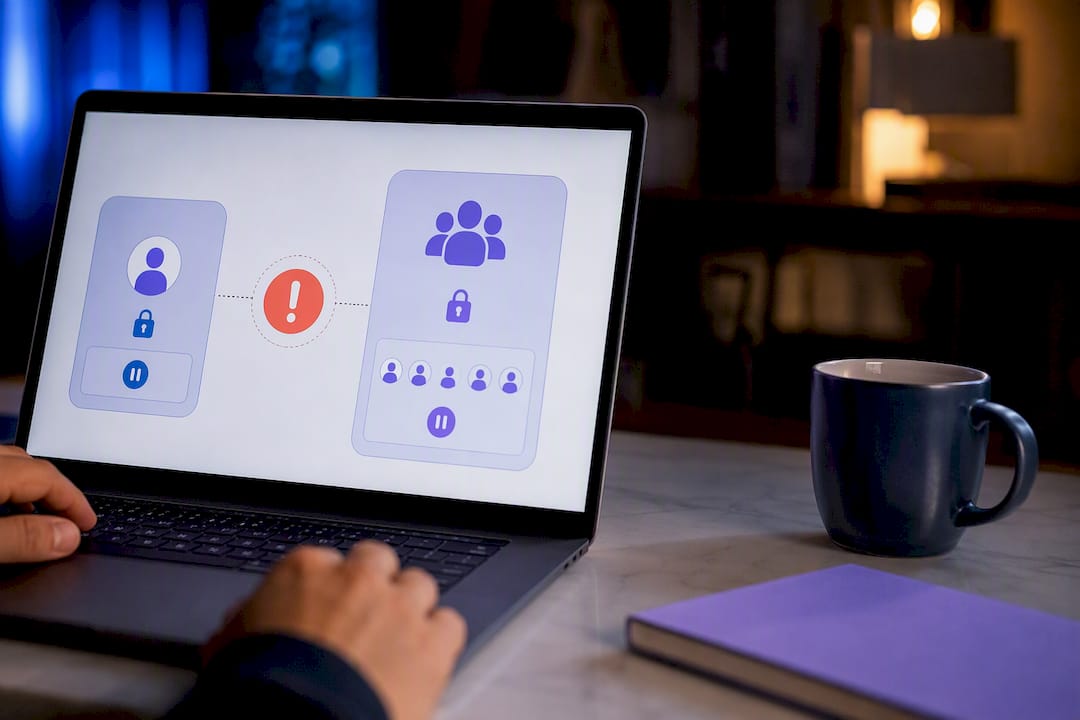
The better default: isolate first. A per-account toggle contains the damage while you diagnose whether the issue is one follower's configuration or something upstream in the leader feed. Escalate to an organization lock only when the pattern repeats across multiple accounts in a short window, which is the actual signature of a systemic failure rather than a one-off glitch.
Automation should propose the pause; a human should confirm anything above low severity. A runbook that fires kill switches without a human glance at what triggered it will eventually pause a healthy desk over a false positive. The sequence that holds up under pressure is simple: identify, pause, verify, sample test, resume, review. Skipping the review step is how the same mistake repeats a month later.
> — Andres
Run Your Pause and Resume Checklist on TradeDupe
The platform is built around controls suitable for isolating a single follower, detecting systemic issues before they spread, and recovering accounts that need to come back online without manual resets.

Every step in this article maps directly to a dashboard feature. Audit logs give you the "signal blocked" confirmation the verification steps call for. Real-time sync monitoring covers the reconciliation checks after a staged resume. The platform reports a very low latency on Tradovate copy trading integrations, a margin that makes a fast lock actually fast in practice, not just fast on paper.
If your desk is still running pause logic through a local terminal or a VPS script, run a sandbox test on TradeDupe first. Set up a leader and a handful of follower accounts, walk through the pause and verify steps above, and see how the audit trail compares to whatever you're using now. Get started with TradeDupe and put the runbook to work on your own accounts before your next evaluation cycle.
Sources
- Tradovate API documentation (API root)
- Tradovate partner API: account management and risk controls
- How to copy trade across multiple prop firm accounts
- How to manage multiple prop firm accounts
FAQ
What is the fastest way to pause copy trading on Tradovate?
Apply a server-side Account Manager lock or a per-account toggle, then confirm the pause in the audit log before assuming it took effect.
Does pausing copy trading close my open positions?
No. A standard lock or toggle blocks new signals; a close-only lock specifically allows existing positions to flatten while blocking new opens.
How do I confirm a pause actually worked?
Check the audit log for a "signal blocked" or "kill switch engaged" entry, then fire a simulated leader order to confirm no follower opens.
Can I pause just one follower account instead of the whole desk?
Yes, per-account toggles isolate a single account without disrupting replication for the rest of your followers, which is the recommended default over an organization-wide lock.
Do prop firms allow pausing copy trading on funded accounts?
Policies vary by firm, and some require written approval or restrict cloud-based copying entirely, so verify the specific firm's rules before pausing or resuming.
What should I check before resuming copy replication?
Confirm the lock status, sample fills on the first reactivated account, and reconcile positions before rolling the resume out to the rest of the desk.