
Copy Trading Safeguards for Prop Firm Accounts (2026)
TradeDupe
12 min read
Syncing trades across Tradovate prop firm accounts? Learn the safeguards that matter: firm rules, same-size accounts, loss limits, rogue-trade checks and a setup order.
The safeguards that matter when you sync several prop firm accounts on Tradovate fall into four groups: permission (does each firm allow it), matching (are the accounts the same type and size), limits (who enforces your daily loss and profit target), and verification (do the follower accounts show only what you intended). Get those four right and one leader account can drive many followers without turning a single mistake into several blown evaluations.
This guide is written for you as an individual trader holding evaluation or funded accounts at firms such as Apex Trader Funding, Tradeify, Lucid Trading, MyFundedFutures or TakeProfit Trader, all of which run on Tradovate. It covers what can go wrong, what to set up before the first live trade, and how to confirm each firm's current rule.
TL;DR
- Check the firm's rule first. Policies differ, and a firm's help center, not a forum post, is the authority on whether you may copy between your own accounts.
- Copy between matching accounts. Some firms limit copying to the same program and the same account size, so mixed sizes create both rule risk and uneven results.
- Put loss limits where the broker enforces them. A daily loss limit set on Tradovate itself works even if your copier, browser or connection has a problem.
- Audit the followers. Check regularly that no follower holds a position the leader never placed, and that every account you meant to toggle off really is off.
- Rehearse in simulation. Test the full setup before you risk an evaluation fee.
Table of Contents
- What syncing actually does
- Safeguard 1: Confirm what each firm allows
- Safeguard 2: Match account type and size
- Safeguard 3: Know the failure modes before they happen
- Safeguard 4: Set limits at the broker
- A quick reference table
- Setup order that protects you
- Common mistakes to avoid
- Our perspective
- Trade the group from one account
- FAQ
- Sources
What syncing actually does
Copy trading across your own accounts has a simple structure. One account is the leader: the one you click on. Every other account is a follower: it receives a mirrored copy of each order or fill from the leader. You place one trade, and several accounts take it.
Tradovate itself offers a built-in route. Its prop trading platform page describes Group Trading as a way to copy trades across accounts without third-party tools. That page does not describe per-follower risk limits or guaranteed identical fills, which is the first clue about where your own safeguards have to come in. A copier, built-in or external, moves orders. It does not decide whether those orders are wise for each account.
That distinction drives everything below. Every follower has its own balance, its own trailing drawdown, its own daily loss limit and its own firm rulebook. One trade size that is comfortable on a 50K account can be oversized on a smaller one.

Safeguard 1: Confirm what each firm allows
The rule that matters most is not technical. It is whether the firm permits you to copy between your own accounts, and under what conditions.
Policies are not uniform. Two published examples show the range:
- Top One Futures says copying is only for accounts of the identical program and identical size, and recommends testing and verifying your settings in simulation before active trading. See its Copy Trading Policy.
- FundedNext Futures says you may copy your own trades between your FundedNext accounts. It also allows copying between FundedNext and other prop firms if you own all the accounts and can verify they share the same identity. See its copy and group trading policy, dated March 30, 2026.
Those are not the firms most Tradovate traders hold, but they show what a rule usually looks like: ownership, account type, account size and sometimes identity verification. Firms often add conditions around trade direction, automation, copying with other people's accounts and how many active accounts you may hold.
For Apex, Tradeify, Lucid, MyFundedFutures and TakeProfit Trader, do this before you connect anything:
- Open the firm's help center and search for "copy trading" and "group trading."
- Read the policy on the day you plan to start, and note the month you checked.
- Look for conditions on account ownership, evaluation versus funded accounts, direction of trades, automation and account count.
- If any wording is unclear, ask the firm's support in writing and keep the reply.
Rules change, and firms update them without much warning. If you are unsure, confirm with the firm. Our own roundups of firm policies are a starting point, not a replacement: see which futures prop firms allow copy trading and whether copy trading is allowed at prop firms. For Apex specifically, the compliance and prohibited activities section of our Apex guide explains what to check.
Two points apply everywhere. First, copy only accounts that you own. Sharing access or copying with other traders is the kind of thing firms commonly treat as a violation, so read the wording. Second, Topstep and Alpha Futures do not run on Tradovate, so a Tradovate-based copier does not apply to them.
Safeguard 2: Match account type and size
The cleanest copy setup is one where every follower looks like the leader: same program, same size, same drawdown type. When accounts differ, the same contract count lands very differently.
Here is a simple worked example with hypothetical numbers. Say your leader is a 50K account and a follower is a smaller account with a tighter drawdown cushion. You trade 4 contracts on the leader, and the market moves against you by a few points. Four contracts is a normal risk on the leader. On the smaller follower, the same four contracts can consume a much larger share of its remaining cushion. Both accounts took the identical trade, but one is now close to its limit and the other is fine.
Matching accounts avoids three problems:
- Rule problems. Some firms, like Top One Futures above, allow copying only between identical programs and sizes.
- Risk mismatch. Equal contract counts mean unequal percentage risk.
- Messy review. When all accounts behave alike, a divergence is easy to spot. When they differ, you cannot tell a real problem from a size effect.
If you do hold mixed accounts, put the odd one out on a separate toggle so it is not drawn into the group by default.
Safeguard 3: Know the failure modes before they happen
Most copy-trading losses come from a short list of causes. Knowing them tells you which safeguard to build.
A follower trade the copier never placed
You can end up with a position on a follower account that did not come from the leader. It might be a stray click in a second browser tab, a trade placed from another device, or a manual order you forgot. The leader looks flat while the follower carries risk. This is why rogue-trade detection matters: it flags follower trades that the copier did not place, so you find out immediately instead of at the next drawdown check.
A follower that fell out of sync
A lost connection, a re-login, or a toggled-off account can leave one follower behind. You then manage the exit on the leader and the lagging account is left holding a position. The fix is partly tooling and partly routine: look at all the account positions at the start of every session and again before you step away.
Slippage and fill differences
Tradovate's own description of its copier does not promise identical fills across accounts. In fast markets, followers can fill at different prices than the leader. Plan for small differences, and do not size so tightly to a limit that a one-tick difference matters.
Everyone hits the same limit at once
This is the structural risk. When every account takes the same trade, every account also takes the same loss. A bad trade stops being one failed evaluation and becomes several on the same afternoon. Consider this before you scale from two accounts to ten: the upside multiplies, and so does the loss on any single bad idea.
Consistency and payout rules
Identical trades across accounts produce near-identical daily results. Firms with consistency rules on payouts look at how profit is distributed across days, so read how your firm defines it before you start to copy. Ask the firm if you are unsure how identical results are treated.
Safeguard 4: Set limits at the broker
A safeguard that lives inside software can fail when the software, your browser or your internet fails. A limit enforced by the broker does not depend on any of that.
With TradeDupe, daily loss limits and profit targets are set directly on Tradovate, so Tradovate enforces them rather than the copier. That means that if you step away or lose a connection, the limit still stands.
How to think about the numbers (confirm each firm's own limits in its help center, because they differ by firm and plan):
- Daily loss limit. Set it comfortably inside the firm's own limit so a bad run stops you before the firm's rule does.
- Profit target. Use it to stop trading for the day once a follower reaches a level you chose, rather than giving it back.
- Per-account differences. Give a smaller or more fragile account a tighter limit than your strongest one.
- Drawdown. Know whether each account's drawdown trails and what it trails from. Your limits should leave room under that line.
A quick reference table
| Risk | What it looks like | Safeguard |
|---|---|---|
| Firm rule breach | Copying where not allowed, or between non-matching accounts | Read the firm's help center, note the month, ask support if unclear |
| Rogue follower trade | A follower holds a position the leader never placed | Rogue-trade detection and a position check each session |
| Account out of sync | One follower missed an entry or exit | Per-account toggles and a start-of-session check |
| Oversized follower | Same contracts, much less cushion | Match account size, or switch the small account off |
| Runaway day | All accounts lose together | Daily loss limit set on Tradovate |
| Untested setup | First live trade is the first test | Simulation run before going live |
Setup order that protects you
Whatever tool you use, the order of operations matters more than the tool.
- Read the rules. Confirm each firm's current policy and write down the date you checked.
- Group matching accounts. Put like-sized accounts of the same type together.
- Choose the leader. Pick the account you will actually click on, and keep manual orders off the followers.
- Connect securely. Use Tradovate's official OAuth sign-in so that your password is not handed to a third party.
- Set loss limits and profit targets on Tradovate. Do this per account before any live order.
- Run it in simulation. Place entries, partial exits, stops and a full flatten, and check every follower matches. Both the Top One Futures policy and a sensible routine point the same way: test and verify before active trading.
- Go live small. Start with one contract and confirm that every account matches.
- Audit daily. Compare positions at the open, midday and close.
For a detailed walkthrough of the built-in route, see our guide to setting up Tradovate Group Trade for your Apex accounts in simulation first, and our overview of Tradovate copy trading setups for multi-account traders.
Common mistakes to avoid
- Assuming a rule from one firm applies to another. Each firm writes its own policy.
- Mixing evaluation and funded accounts without checking. Firms may treat them differently, so confirm.
- Leaving a follower on by accident. A forgotten toggle puts a trade on an account you meant to pause.
- Sizing to the limit. If one tick of slippage breaks a limit, the size is too large.
- Trusting the screen, not the positions. A dashboard that looks right is not the same as checking each account's open positions.
- Skipping the simulation. The most expensive way to find a setting error is on a funded account.
Our perspective
> Traders usually ask how to copy faster. The better question is what happens on the one day something goes wrong. A copier should be judged by how it behaves on that day. > > That is why we built TradeDupe only for Tradovate prop firm traders, instead of as a generic bridge for every broker. You connect through Tradovate's official OAuth flow, so your password is never stored and nothing runs on your PC or VPS. Daily loss limits and profit targets are set directly on Tradovate, so the broker enforces them. Per-account copy toggles let you pull one account out of the group in a click, and rogue-trade detection flags follower trades the copier did not place. > > Our view is that the safeguard you set before the session matters more than the speed you copy at during it. Set the limit, match the accounts, test in simulation, then trade. > > Andres
Trade the group from one account
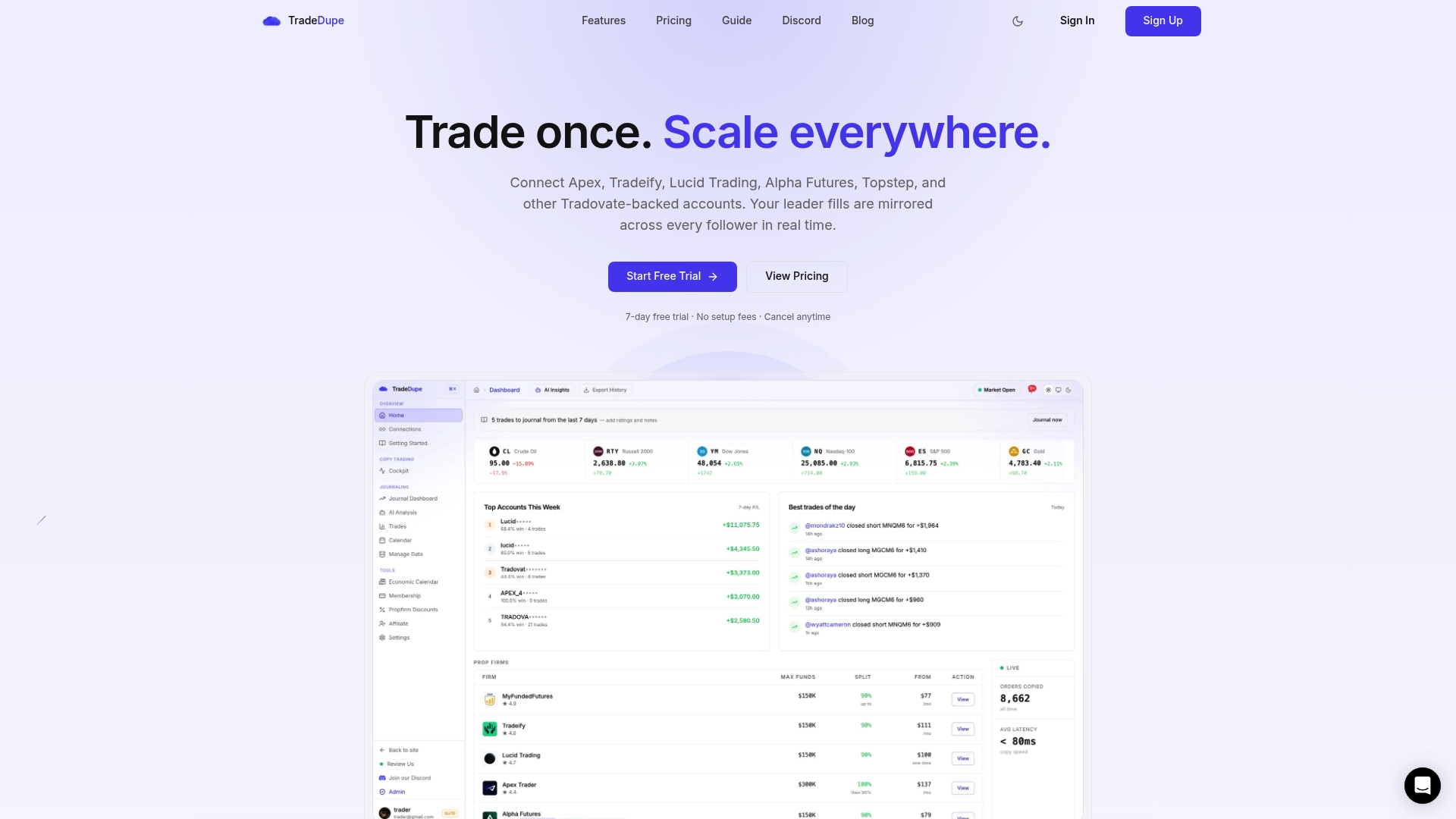
If you hold several Tradovate prop firm accounts and want to trade them from one leader, TradeDupe for Tradovate mirrors every fill on your leader account to the follower accounts you enable. It includes per-account toggles, execution mode controls, rogue-trade detection and a journal with analytics. Plans start at $20/month billed yearly, and every plan includes a 7-day free trial with one-click cancellation. For how the connection is handled, see our security and reliability page.
FAQ
Is it safe to copy trades across my prop firm accounts?
It can be, when each firm allows it and your limits are set at the broker. The main risks are a rule breach, mismatched account sizes and every account losing at once. Confirm the policy, match your accounts, set loss limits on Tradovate and test in simulation first.
Do I need the same account size on every account?
Not always, but it is safest. Some firms, such as Top One Futures, limit copying to the identical program and size. Even where a firm does not, the same contract count carries different risk on different sizes, so matching accounts keeps results and rules simple.
Can I use Tradovate's built-in copier instead of a separate tool?
Tradovate describes Group Trading as a built-in way to copy trades across accounts without third-party tools. It does not describe per-follower risk limits or guaranteed identical fills, so add your own limits and checks either way. Whichever route you take, confirm your firm's current rule first.
What is a rogue trade on a follower account?
It is a position on a follower that your copier did not place, for example from a manual click on that account. It matters because the leader looks clean while a follower carries unplanned risk. Rogue-trade detection flags it so you can act quickly.
Does TradeDupe work with Topstep or Alpha Futures?
No. Those firms are not on Tradovate, and TradeDupe is built for Tradovate-based firms such as Apex Trader Funding, Tradeify, Lucid Trading, MyFundedFutures and TakeProfit Trader.
Sources
- Prop Trading | Tradovate
- Copy Trading Policy | Top One Futures Help Center
- What is copy & group trading policy at FundedNext Futures?
Recommended
- Best Trade Copier for Prop Firms \(2026\): Rules + Setup
- How Prop Firm Rules Affect Trade Copying in 2026
- 3 Safeguards Prop Firm Traders Need for Futures Copy Trading Security
- Is Copy Trading Allowed at Prop Firms? 2026 Rules
For educational purposes only. Not financial advice. Futures trading involves substantial risk of loss and is not suitable for every investor.